
Can Motion Sensor Lights Be Blocked?
Covering a microwave sensor with electrical tape won't block it — and wrapping a PIR in foil is just as useless. The right fix depends entirely on which of the four sensor types you're dealing with.
 Eugen
EugenEugen Nikolajev
Creator of LED Lighting Info
Hi, I am Eugen. I was always one of those kids who had all sorts of weird lighting gadgets for every occasion.
Now, I want to share my knowledge and experience about lighting with you on LED Lighting Info.
Read my editorial standards
Key Takeaways
Most motion sensor lights can be blocked by covering the sensor — but the right material depends on the technology inside. PIR sensors (the most common type) can be covered with black electrical tape. Microwave sensors can be wrapped in aluminum foil. Tomographic and ultrasonic sensors are very difficult for a casual user to block — for those, installing a master switch is usually the simplest workaround.
Motion sensor lights are convenient — until they aren’t. Maybe you’re trying to relax on the patio without being spotlit every five minutes, or you’re repainting a hallway and don’t want the fixture flicking on every time you walk past with a roller. The question is whether you can block the sensor temporarily without flipping the breaker.
In most cases, yes — but the right method depends entirely on the sensor type.
Here’s what I’ll cover:
- What can trigger a motion sensor (and when it’s a real false positive vs. a sensitivity issue)
- The built-in override controls most fixtures already have
- How to dial down sensitivity before resorting to physical blocking
- How to block each of the four common sensor types
- How to re-enable the sensor cleanly when you’re done
What Can Trigger A Motion Sensor?
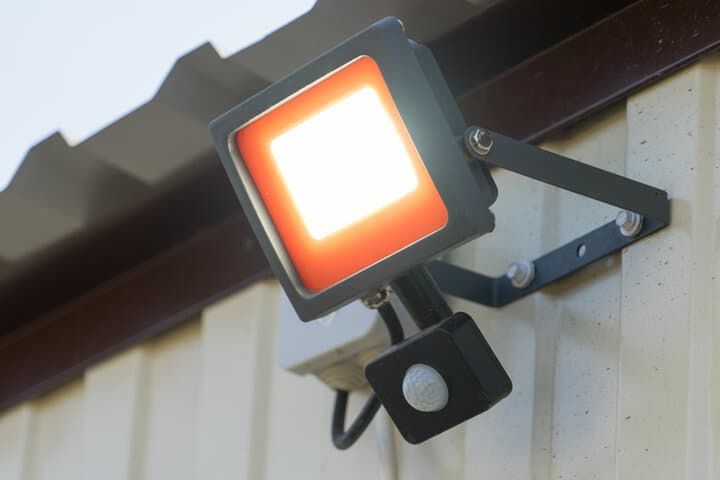
Different motion sensor technologies respond to different things, but most false triggers fall into one of four buckets. Knowing which is causing yours helps decide which control to reach for.
Humans
Motion sensors are designed to activate when a human gets close, so people will be the most common trigger.
Whether the sensor is looking for a heat signature or rebounding other types of radiation off objects in the room, humans will trigger them.
Motion sensors don’t use cameras and don’t rely on visible light — a human will trigger a sensor when they enter its field of view whether it’s the middle of the day or midnight.
Animals

Many motion sensors are triggered by animals — pets indoors or wildlife outside — though it depends on the size and type of animal.
Most outdoor motion sensors are PIR, which trigger on infrared heat signatures. An animal would need to be warm-blooded (ruling out many insects) and large enough to register a temperature change for the motion detector.
Pet-friendly sensors use multiple detection zones and only trigger when both a high and a low zone register simultaneously — a human standing upright, not a cat at floor level.
Wind-Blown Objects
Some sensors can be tripped by objects blown around by wind or air conditioning. This is mostly an issue with indoor microwave or ultrasonic sensors.
If a window is wide open and a gust catches the curtains, or the air conditioning scatters a stack of papers, a motion detector can trigger.
Passing Cars
A poorly aimed outdoor sensor can be set off by passing cars — the heat from a hot engine is enough to register on a PIR. Ideally a motion sensor’s field of view shouldn’t overlap a nearby road. If yours does, repositioning the sensor is usually a better fix than blocking it.
Step 1: Use The Built-In Controls
Before reaching for tape or foil, check the fixture itself. Most PIR motion sensor lights — and many microwave fixtures — have a built-in override that’s far less invasive than physically blocking the sensor. Look for any of these:
- ON / AUTO / OFF switch. Common on outdoor security lights. ON forces the light on continuously, AUTO is normal motion-triggered behavior, and OFF disables both the sensor and the light.
- Manual override mode. Many fixtures toggle into a manual-on or override state when you flip the wall switch off and back on within 1–3 seconds. The exact sequence varies by model, so check the manual.
- Photocell / lux dial. Most outdoor PIR lights only fire when ambient light is below a threshold. Turning this dial fully clockwise (or to the “sun” symbol) disables triggering during daylight, and on some fixtures past that setting too.
If the fixture has any of these, use them first. They’re reversible in seconds and don’t require touching the sensor lens.
Step 2: Adjust The Sensitivity Or Range
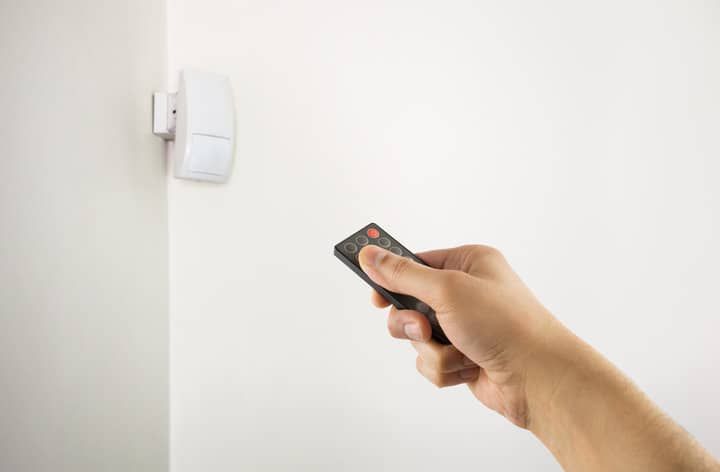
If a sensor is firing too often — every cat that walks past the driveway, every gust through the curtains — turning down the sensitivity is often enough to fix the problem without blocking anything.
On most PIR fixtures, sensitivity is controlled by a slotted dial on the sensor housing. Use a small flathead screwdriver to rotate it. Many fixtures have two more dials worth knowing about:
- Range dial. Limits how far the sensor will look. Useful for narrowing detection to a driveway and excluding the road beyond it.
- On-time dial. Sets how long the light stays on after triggering — typically 1 second to 10+ minutes.
- Lux / photocell dial. Sets the ambient light threshold below which the sensor will respond.
Smart sensors expose these settings in their app instead of as physical dials, which makes them easier to fine-tune from your phone. The fixture’s manual will tell you which controls it has.
Step 3: Block The Sensor
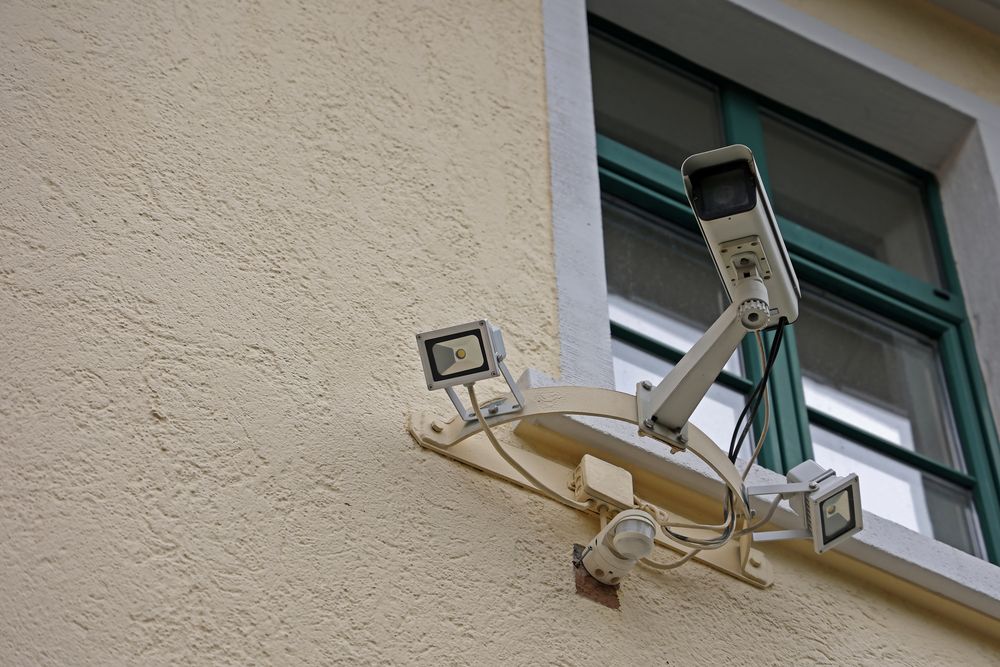
If the built-in controls and sensitivity tweaks aren’t enough, the next step is physically blocking the sensor. The right approach depends entirely on the sensor type — covering a PIR with foil won’t help, and wrapping a microwave sensor in tape won’t either. The table below summarizes the right method for each, and the sections after walk through the why and the how.
| Sensor Type | How It Works | Best Way To Block | Reversible? |
|---|---|---|---|
| PIR (passive infrared) | Detects body-heat infrared in the 8–14 µm band | Black electrical tape over the lens | Yes — peel off |
| Microwave | Emits 5.8–24 GHz waves and detects reflections | Aluminum foil around the housing | Yes — remove foil |
| Ultrasonic | Emits 25–40 kHz sound; detects Doppler-shifted reflections | Master switch on the circuit (covering doesn’t work) | Yes — flip switch back |
| Tomographic | RF mesh between multiple 2.4 GHz nodes | Master switch, or remove power from a node | Yes — restore power |
PIR (Passive Infrared)
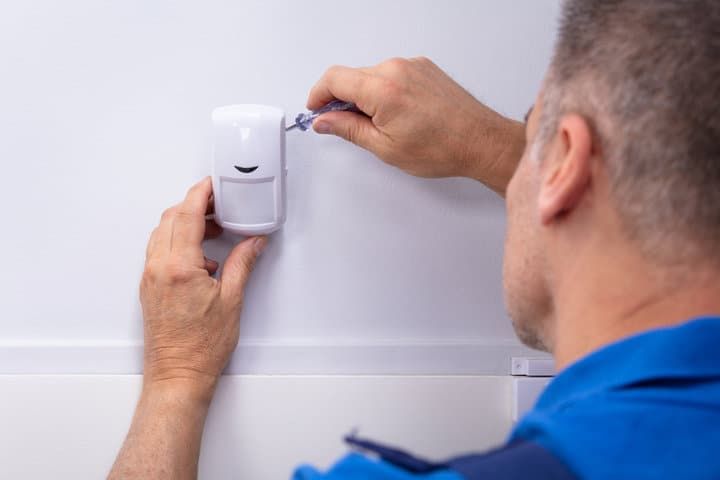
PIR sensors are the most common type in homes. They detect mid- and long-wave infrared radiation — specifically the 8–14 µm band, peaking near 9.4 µm, which is exactly the wavelength a human body emits. To block one, put something opaque to that wavelength between the sensor lens and whatever you don’t want it to see.
Method 1: Black electrical tape — Best for: temporary blocking. Difficulty: easy.
- Cut a piece of PVC electrical tape slightly larger than the sensor lens.
- Press it firmly over the dome so the entire lens is covered with no gaps around the edges.
- Peel it off when you want the sensor to resume operation.
Black PVC electrical tape is opaque to the long-wave infrared PIR sensors look for, so the sensor can no longer “see” body heat radiating from anything in the room. Effectiveness varies with thickness — FLIR has flagged that some thinner vinyl tapes let measurable IR through, so use a name-brand PVC tape rather than a budget vinyl one.
Method 2: Glass barrier — Best for: permanent enclosures. Difficulty: medium.
Standard window glass is opaque to long-wave infrared — it transmits visible light and some near-IR up to roughly 2 µm but blocks the 8–14 µm band PIR sensors use. A sensor placed behind ordinary glass won’t see body heat on the other side, which is why a PIR inside a sealed glass enclosure won’t trigger from people outside it.
One caveat: this only works with ordinary soda-lime glass. Specialty IR-transmissive plastics (like polyethylene) and germanium windows are designed to pass long-wave IR, so a PIR mounted behind those will still trigger normally.
Microwave
Microwave sensors are active. They emit microwaves — typically at 5.8, 10.5, or 24 GHz — into the room and listen for the reflections coming back. When something in the room moves, the reflection pattern changes and the sensor triggers.
Method: Aluminum foil — Best for: temporary blocking. Difficulty: easy.
- Wrap the sensor housing in a few layers of standard kitchen aluminum foil.
- Tuck the edges in so there are no gaps where microwaves can escape into the room.
- Remove the foil to restore normal operation.
Aluminum foil reflects microwaves rather than absorbing them — the free electrons in the metal re-radiate the incident energy back toward its source. With most of the signal bouncing off the foil before it can propagate into the room, the sensor never gets a clean return signal and the light won’t fire. (There is a small absorption effect in very thin foil — the reason foil sparks in microwave ovens — but reflection is the dominant mechanism.)
Ultrasonic
Ultrasonic motion detectors emit high-frequency sound waves — typically 25–40 kHz, well above human hearing — into the room and listen for the reflections coming back from walls, furniture, and other surfaces. When something moves, those reflections come back at a slightly shifted frequency (the Doppler effect) and the sensor triggers. The transmitter and receiver sit in the same housing, often as a single transducer doing both jobs — there are no “separate units” you can walk between.
Because the sensor relies on reflections from the entire room rather than a single line of sight, you can’t block it by covering the housing — doing so changes the reflection pattern and trips the trigger. The simplest workaround for a casual home user is to install a master switch on the circuit so you can cut power to the sensor entirely.
Tomographic
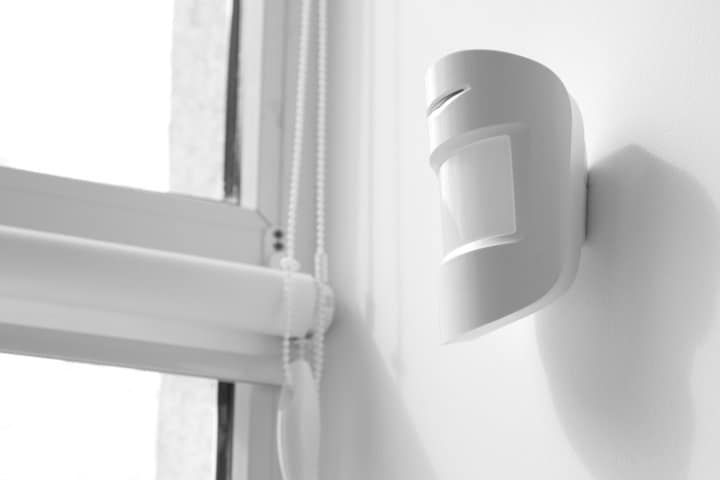
Tomographic systems use multiple radio nodes placed around a space — each node continuously transmits and receives 2.4 GHz radio signals to and from the others, forming a mesh that fills the protected volume. When a body enters that volume, it disturbs the RF environment and the system triggers.
Like ultrasonic, the cover-the-sensor approach doesn’t work. Aluminum foil reflects 2.4 GHz radio waves, which is more likely to trigger the system than block it — tomographic sensors look for any change in the RF environment, including new reflections. Large metal shielding placed between nodes can disrupt the mesh, and removing power from any node defeats its detection zone, but neither is practical for a homeowner just looking for a quiet evening.
As with ultrasonic, the simplest workaround is a master switch on the circuit that powers the system.
Re-Enabling The Sensor
Whichever method you used, undoing the block is straightforward. Peel off any tape or foil — adhesive residue from electrical tape can usually be cleaned off the lens with a little isopropyl alcohol if it leaves a mark. Restore power to anything you switched off, and if you nudged a sensitivity, range, or lux dial, return it to the previous setting.
Then walk through the field of view to confirm the sensor triggers as expected. If it doesn’t, double-check that nothing is still covering the lens — a fingernail-sized scrap of tape can be enough to keep a PIR dark — and that any dial you turned is back where you want it.
A Note On Security Sensors
One caveat worth flagging: if the motion sensor is part of a security system or alarm rather than just a light, blocking it can have consequences beyond the inconvenience of a dark hallway. Disabling sensors covered by a home insurance policy can affect your coverage, and in some monitored systems blocking a sensor will trigger a tamper alert. If you’re unsure whether a sensor is part of a security system, check with your installer or the system’s app before covering it.
My Quick Decision Guide
My rule of thumb: try the built-in override first, sensitivity adjustment second, and only resort to physical blocking when neither solves the problem. When you do need to block the sensor:
- PIR → black electrical tape over the lens.
- Microwave → aluminum foil wrapped around the housing.
- Ultrasonic or tomographic → install a master switch; covering the sensor won’t work and can actively trigger it.
For most homes that means PIR, which is why a roll of electrical tape solves the vast majority of blocking problems.