Cut Marks
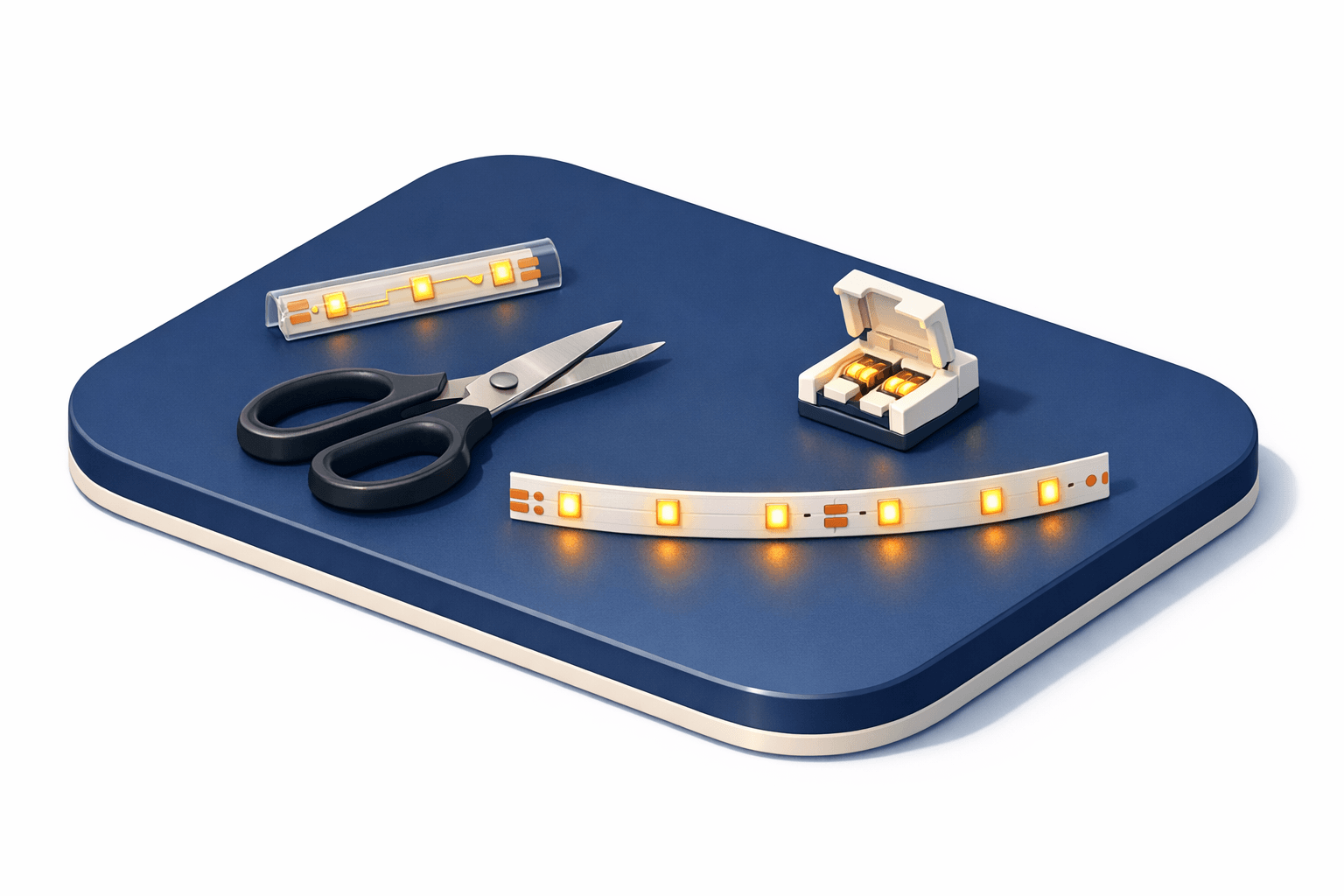
Designated points on an LED strip where you can safely cut to shorten it. Marked with a scissor icon or copper pads — cutting between marks will damage the circuit.
LED strips are designed to be cut to length, but only at specific points. Cut marks are indicated by a scissor icon, a dashed line, or exposed copper solder pads — these appear at regular intervals along the strip, typically every 3-6 LEDs (every 5-10cm on most strips).
Cutting at a mark separates the strip cleanly into two functional sections. The section still connected to power continues working normally. The cut-off piece can be reconnected using solder or snap-on strip connectors attached to the exposed copper pads.
Cutting between marks — through the middle of an LED segment — will kill the LEDs in that segment because you've severed their power traces. The rest of the strip may still work, but you'll have a dead section at the cut point. Higher-density strips (120 LED/m) have more frequent cut marks, giving you more flexibility on final length. Some addressable strips can only be cut at each individual LED, giving maximum precision.
Related Terms
- LED Density
The number of LED chips per meter on a strip light. Higher density produces smoother, more even light with fewer visible dots. Common values: 30, 60, 120, or 144 LEDs/m.
- LED Channel
An aluminum housing that mounts LED strips for a professional finish. Includes a diffuser cover that eliminates visible LED dots and improves heat dissipation.