
Dimmer Switch Turns On But Doesn’t Dim: Troubleshooting Quiz
Your dimmer powers the lights at full brightness, but move the slider and nothing changes — that's not a wiring failure, it's usually your LED bulb and dimmer speaking different electrical languages.
 Eugen
EugenEugen Nikolajev
Creator of LED Lighting Info
Hi, I am Eugen. I was always one of those kids who had all sorts of weird lighting gadgets for every occasion.
Now, I want to share my knowledge and experience about lighting with you on LED Lighting Info.
Read my editorial standards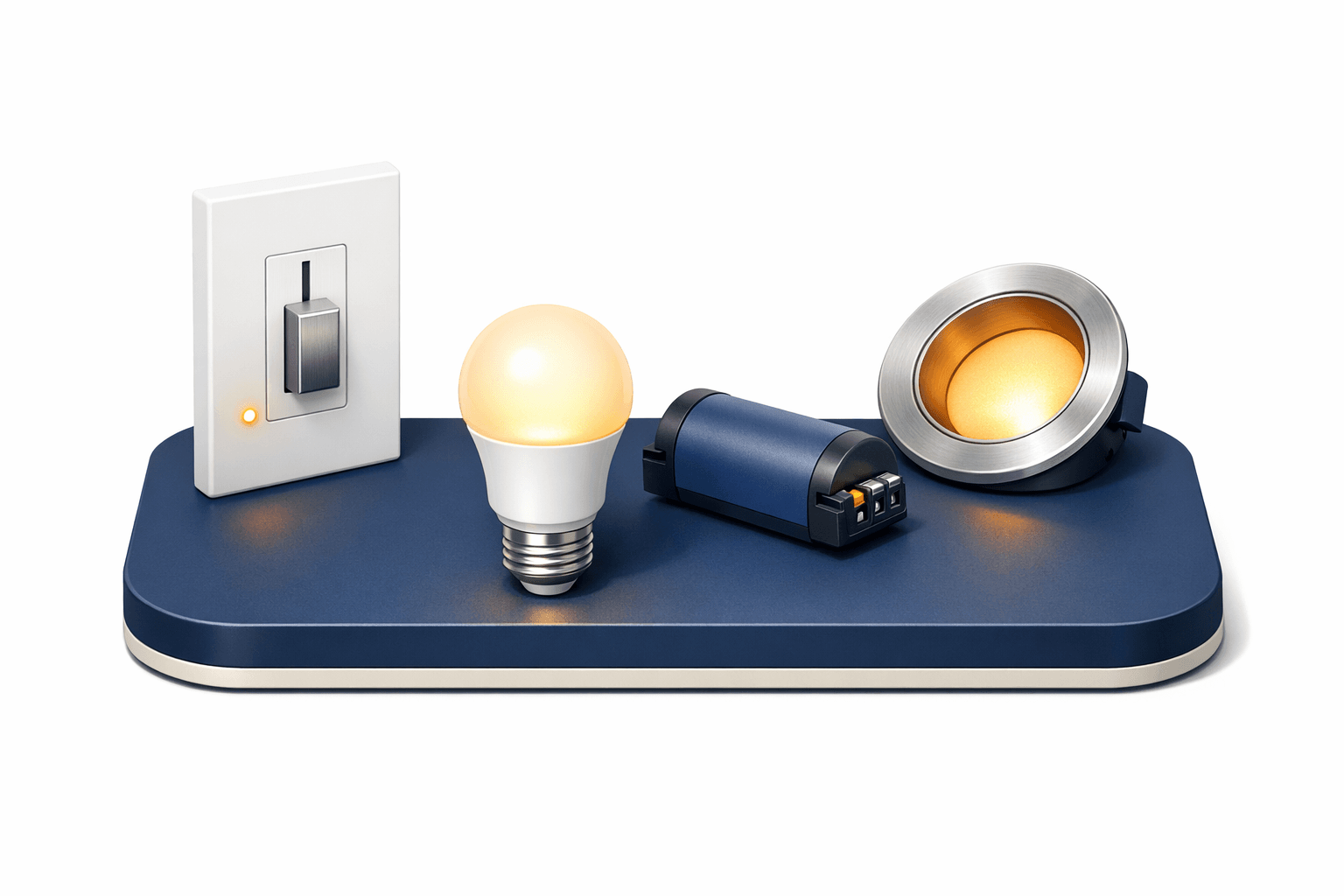
Key Takeaways
The most common cause of a dimmer powering lights but not dimming is an incompatible bulb-and-dimmer pairing. An overloaded or under-loaded dimmer, faulty switch, or wiring mistake can also cause it.
Dimmer Won't Dim Diagnostic
Your dimmer powers the lights but won't dim them? Answer a few questions and you'll land on the most likely cause and how to fix it.
8 questions — takes about a minute
Answers are anonymous and may be used to improve content.
Your dimmer switch powers the lights but refuses to dim them — here's why that happens and how to fix it.
The typical scenario goes like this:
- You wire in the new dimmer with the breaker off.
- You restore power and flick the switch — the lights come on at full brightness.
- You move the dimmer slider, but nothing changes.
- Eventually the bulb cuts out completely instead of dimming smoothly.
To help you get to the bottom of the issue, let's take a look at:
- Potential reasons a dimmer switch might not dim
- How you can tell if the switch is bad
- Other common dimmer switch problems
What Would Cause a Dimmer Switch Not To Dim?
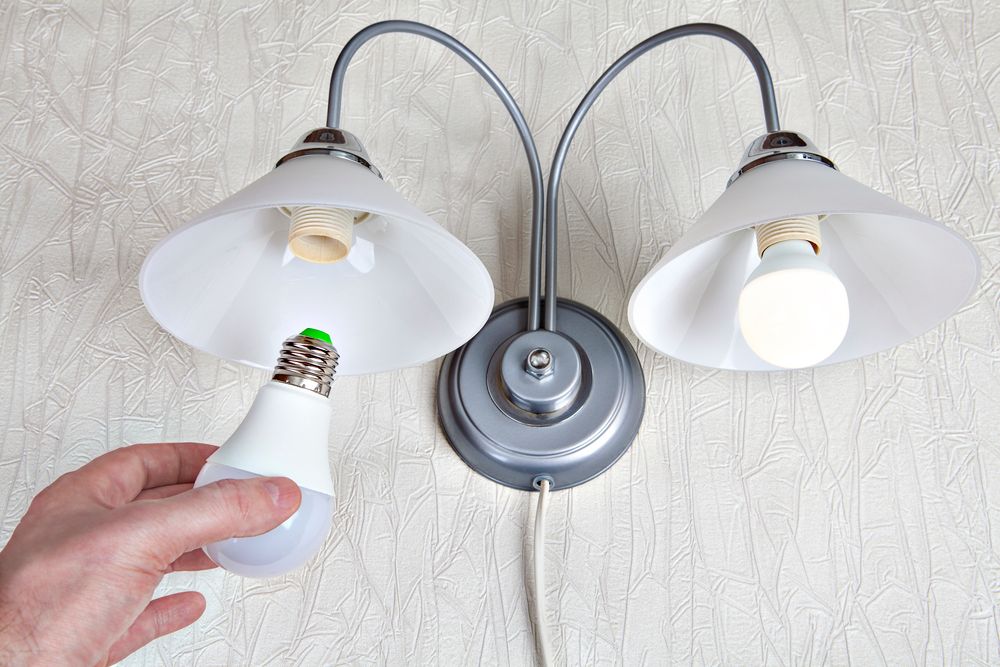
There are four main causes — work through them in this order:
1. Bulb and Dimmer Incompatibility
Incandescent and halogen bulbs work with virtually any dimmer, but they've been phased out of U.S. production since August 2023 under federal efficiency rules. Today, dimmable LEDs are the mainstream option — just make sure both the bulb is labeled "dimmable" and the dimmer is rated for LED loads. Non-dimmable LEDs and most standard CFLs won't dim properly on any dimmer.
Most CFLs can't be dimmed at all — trying to do so damages the bulb. To dim a screw-in CFL, you need one specifically labeled "dimmable" (with a dimmable ballast built into the base) paired with a CFL-compatible dimmer. There's no separate "ballast" to swap on a screw-base CFL. Note that screw-base CFLs are being phased out in several U.S. states, so swapping to a dimmable LED is usually the easier path.
2. Overloaded — or Under-Loaded — Dimmer
Every dimmer has a rated wattage range. Exceeding the maximum can cause the dimmer to overheat and refuse to dim properly. Industry practice is to load a dimmer to no more than 80% of its rated maximum for safe long-term operation.
With LEDs, the more common failure is the opposite: falling below the dimmer's minimum load. A dimmer rated 150–600W of incandescent often only handles roughly 1/5 to 1/10 that wattage in LED load before the driver loses the holding current it needs to stay on. The result looks identical to incompatibility: the lights work, but they refuse to dim or they cut out.
3. Wiring Mistakes
Wiring issues are most common with 3-way dimmers (two switches controlling one light — sometimes called a "2-way" dimmer outside North America). But a single-pole dimmer can also misbehave if it requires a neutral wire and your box doesn't have one, or if line and load conductors are reversed on certain smart or ELV dimmers.
4. Faulty Dimmer
If everything else checks out, the dimmer itself may be defective and need replacing. Look for a UL, ETL, or CSA certification mark on the replacement — these indicate the dimmer has been tested to recognized North American safety standards. Uncertified dimmers can fail prematurely or pose a fire risk.
How Can You Tell If a Dimmer Switch is Bad?
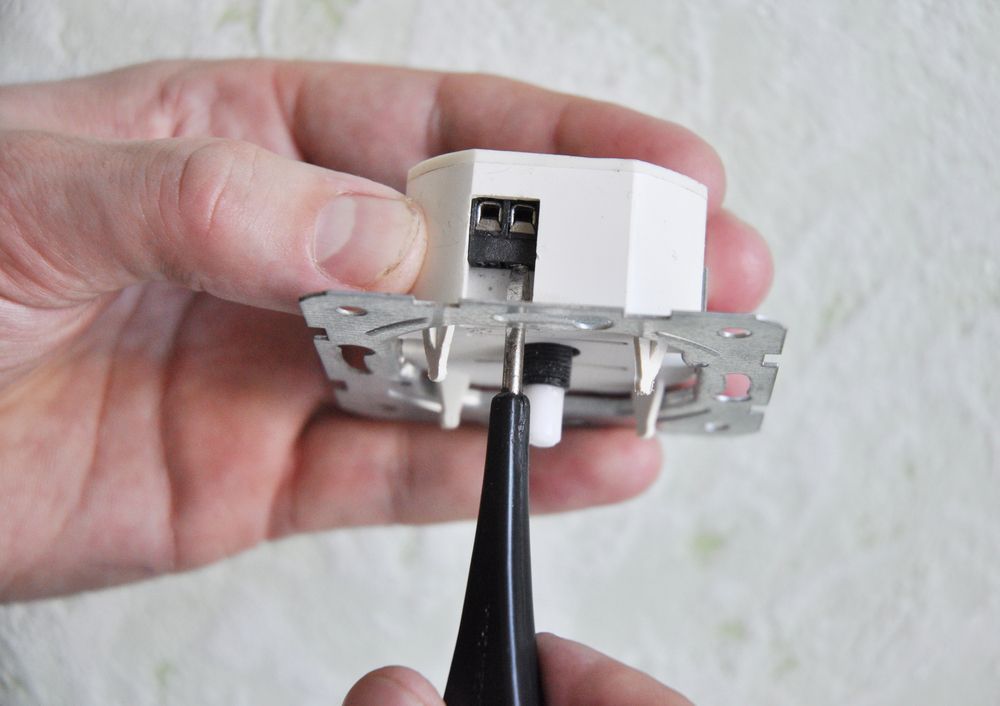
Here's how to check each of the common causes systematically. Always switch the breaker off — not just the wall switch — before pulling a dimmer out of the box.
Checking Compatibility
- Confirm the bulb is labeled "dimmable." Non-dimmable LEDs and standard CFLs will not dim on any dimmer.
- Confirm the dimmer is rated for your bulb type (look for "LED+," "CFL/LED," or an explicit compatibility statement).
- Pull the dimmer manufacturer's compatibility chart and check that your specific bulb model is listed.
- If you have a known-compatible bulb on hand (incandescent or a chart-listed LED), swap it in to confirm whether the bulb or the dimmer is the problem.
If you have CFL lights and you have installed a dimmer without checking compatibility, that's almost certainly the issue.
Checking Load (Over and Under)
- Find the dimmer's spec sheet and note both its maximum wattage and its minimum load (often listed separately for incandescent vs. LED/CFL).
- Add up the actual wattage of every bulb on the circuit.
- If the total exceeds the dimmer's max (or 80% of it for safety margin), the dimmer is overloaded. The unit will also typically run hot and noisy.
- If the total is below the LED minimum load, the LED driver is dropping out — switch to an LED-rated dimmer (such as Lutron's LED+ or Caséta ELV+ line) which can run as little as a single bulb.
Checking Wiring
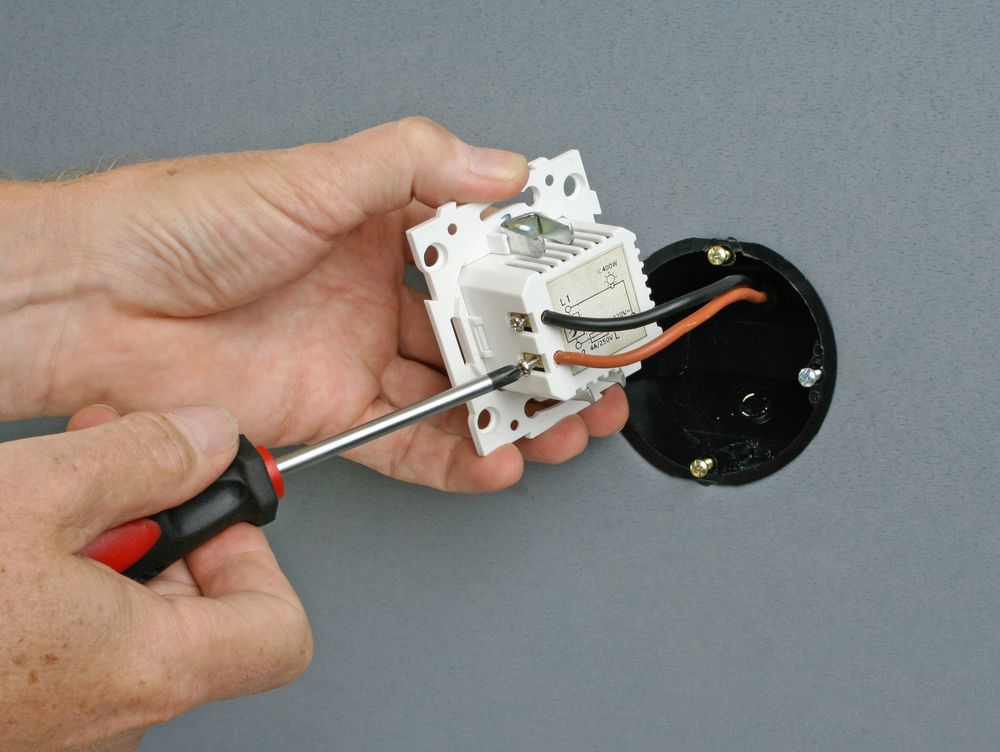
- Switch off the breaker for the circuit and verify with a non-contact voltage tester.
- Pull the dimmer out and compare the connections against the manufacturer's wiring diagram.
- Confirm line and load are on the correct terminals — reversing them is a common cause of "powers but won't dim" on smart and ELV dimmers.
- If your dimmer requires a neutral wire and your box only has hot and traveler conductors (common in older homes), you'll need either a no-neutral-required dimmer model or an electrician to run a neutral.
- For a 3-way (two-switch) setup, double-check that the common and traveler terminals on both switches match the diagram.
If the box is shallow or already crowded with conductors, confirm there's enough volume for the dimmer's heat sink before reinstalling. In some jurisdictions — and many rental properties — dimmer installation may require a licensed electrician.
If you've checked all of these and the dimmer still misbehaves, the unit itself is faulty and needs replacing.
A Note on Smart Dimmers
Smart dimmers (Lutron Caséta, Leviton Decora Smart, Kasa, etc.) bring their own quirks on top of the basics above:
- Most require a neutral wire at the switch box. A few models (notably parts of the Lutron Caséta line) work without one, but they're the exception.
- Many have an app-configurable minimum brightness setting. If yours is set to 100%, the slider and voice commands will appear to do nothing — drop the floor in the app to give the dimmer real range.
- Some require a hub or bridge to function fully; without it, the physical paddle may work but the dimming feature may not.
- Compatibility lists matter even more here — a smart dimmer paired with the wrong LED can flicker, buzz, or cut out at low levels.
Common Dimmer Switch Problems
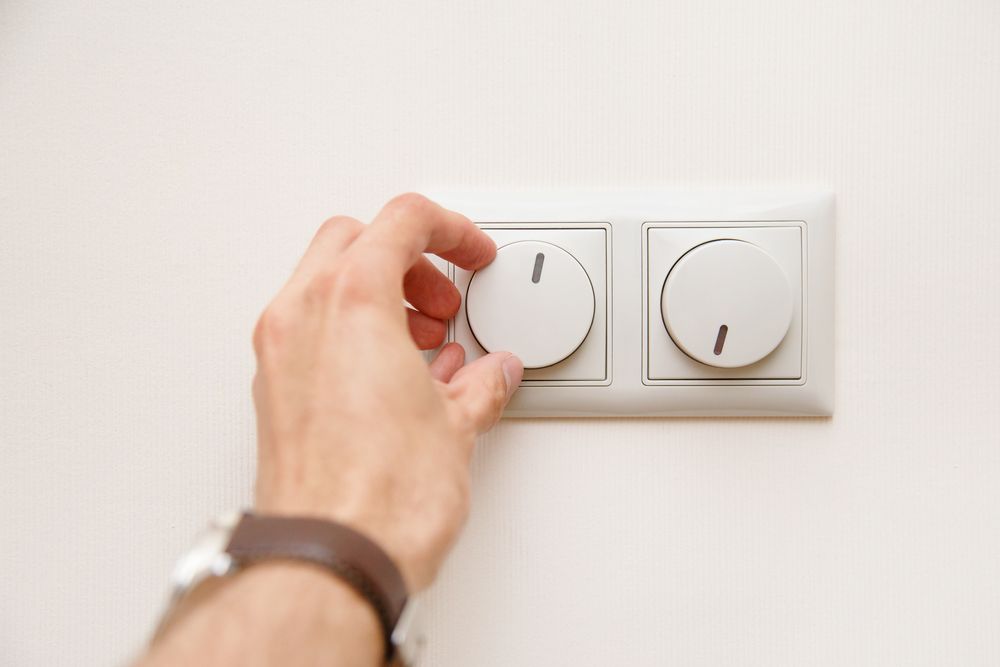
While those are the solutions for a dimmer that powers the lights but doesn't dim, here's a quick look at two related problems readers run into.
Buzzing And Heat
Dimmers buzz because they rapidly chop the AC waveform on each cycle. With older TRIAC dimmers on incandescent bulbs, you're usually hearing the filament itself vibrate from the harmonic-rich chopped waveform, plus magnetostriction in the dimmer's inductor.
With modern LEDs, the buzz typically comes from components inside the LED driver — capacitors and inductors resonating in response to a phase-cut waveform the driver wasn't designed for. There's no filament involved, so the noise originates entirely in the bulb's electronics, and it's a very common complaint with mismatched LED-and-dimmer pairings.
If a dimmer runs hot or gets loud enough to be annoying, it's worn out, overloaded, or mismatched to the bulb. Stop using it and either replace it or swap to a trailing-edge (reverse-phase) LED-rated dimmer.
Lights Dropping Out
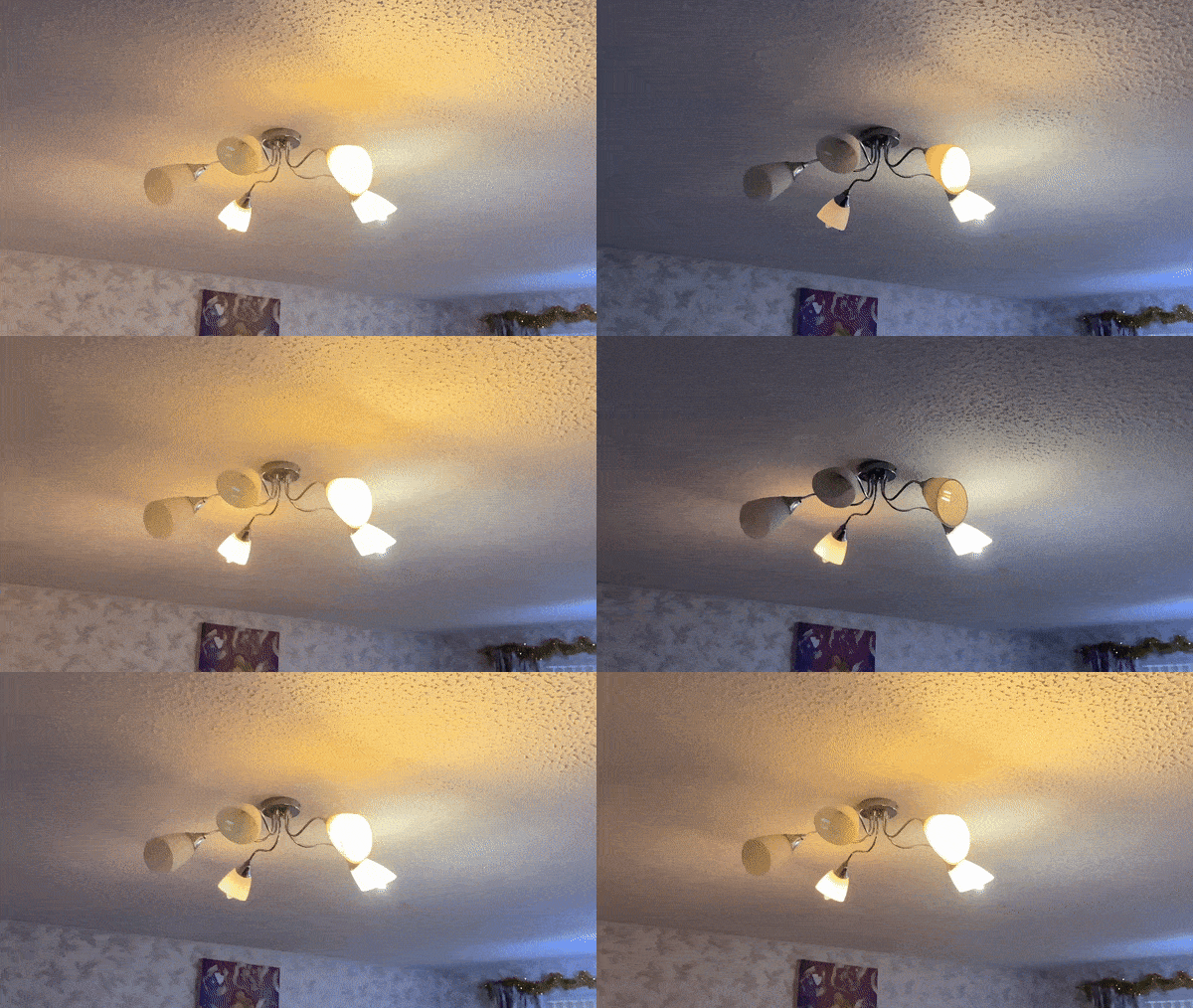
Drop-out is when the lights flicker or cut out as you dim them past a certain point, leaving a dead zone on the slider.
It happens because every LED driver has a minimum "holding current" it needs to keep running. When the dimmer chops the waveform below that threshold, the driver shuts off entirely instead of dimming smoothly. Older leading-edge (TRIAC) dimmers were built for incandescent bulbs and often can't produce a waveform LED drivers can handle at low levels — which is why so many "universal" dimmers fail with LEDs at the bottom of the range.
The fix is a trailing-edge (reverse-phase) dimmer designed for LEDs. Check the dimmer's spec sheet for its minimum load and its LED compatibility list. Many LED-rated dimmers (like Lutron's LED+ or Caséta ELV+ line) can run as little as a single LED bulb, while older dimmers often require 10W or more of load to operate stably. Match the dimmer's rated minimum to your actual bulb setup, and confirm your specific LED model appears on the manufacturer's compatibility chart.
Final Words
When a dimmer powers your lights but won't dim them, work the problem in this order:
- Confirm bulb-and-dimmer compatibility — both the bulb is dimmable and the dimmer is rated for it.
- Check the load — total wattage above 80% of the rated max, or below the LED minimum, both cause dim-failure.
- Verify the wiring — line/load orientation, neutral requirement, and 3-way terminal placement.
- Replace the dimmer if everything else checks out, choosing a UL/ETL-listed, LED-rated trailing-edge unit.
Have you had any problems installing a dimmer switch in your home, and if so, how did you fix it?