
LED Light Flickering: Why do LED Lights Flicker? Diagnostic Quiz + Fix Guide
That LED flickering after you've switched it off isn't a fault in the bulb — it's leakage current quietly charging the capacitor until the LED fires, discharges, and does it all again.
 Eugen
EugenEugen Nikolajev
Creator of LED Lighting Info
Hi, I am Eugen. I was always one of those kids who had all sorts of weird lighting gadgets for every occasion.
Now, I want to share my knowledge and experience about lighting with you on LED Lighting Info.
Read my editorial standards
Key Takeaways
There are several potential causes for why your LED light flickers. It may be due to loose or incorrect wiring, incompatible dimmer switches, or faulty bulb components such as a defective LED driver.
- Start with the bulb: tighten it, clean the socket, or swap it out.
- Non-dimmable LED bulbs on dimmer switches often cause uneven, persistent flickering.
- If multiple lights flicker, check for voltage drops from large appliances or loose breaker connections.
- LEDs that flicker when off often involve smart switches, leakage current, or missing neutral wiring.
- Use your phone camera to spot invisible flicker that may still cause headaches and eyestrain.
For your specific use case, try my diagnostic quiz!
LED Flickering Diagnostic Tool
Answer a few questions about your flickering LED lights and we'll help you identify the most likely cause and how to fix it.
12 questions — takes about a minute
Answers are anonymous and may be used to improve content.
LED light flickering is one of the most common lighting complaints — and it almost always points to a specific, fixable cause. Whether it's a dimmer mismatch, loose wiring, or a failing driver inside the bulb, this guide walks you through every scenario.
LED lights are either on or off. When you switch them off, the light disappears instantly, unlike with old incandescent bulbs. When the LED bulb malfunctions and turns on and off rapidly, that's when you can see flickering.
Here's a quick rundown of what's included in this guide to LED light flickering:
- The three most common causes of LED flicker without a dimmer (faulty driver, loose wiring, voltage issues)
- Why dimmer switches cause flickering and how PWM dimming works
- Why some LEDs flicker or glow even with the switch off
- What it means when all LEDs in your home are flickering
- Health and safety risks of flickering lights (including invisible flicker)
- Step-by-step fixes for every flickering scenario
3 Possible Reasons Why LED Light Bulbs Flicker (No Dimmer)
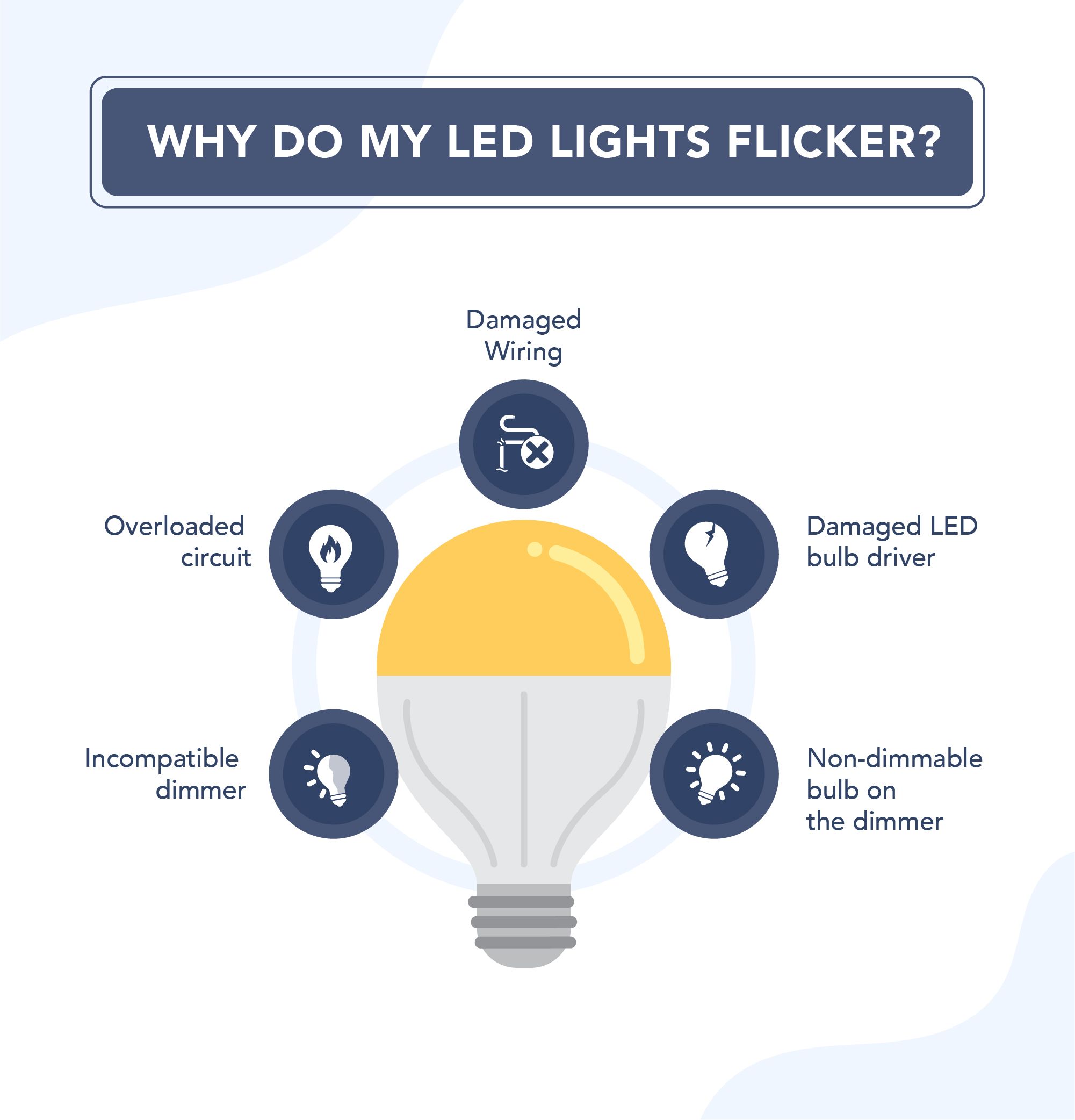
If your LED light is flickering and there's no dimmer switch involved, the cause typically falls into one of three categories:
- A faulty LED driver or swollen capacitor inside the bulb
- Loose or damaged wiring in the fixture, switch, or breaker panel
- Voltage fluctuations from other appliances sharing the circuit
Problems with the LED bulb
The reason a single LED bulb is flickering is often because the bulb itself is faulty.
Usually, it's because the driver — the small circuit board inside the bulb that converts AC power to the DC current the LED needs — has been damaged due to heat from the other internal components. A common failure point within the driver circuit is a swollen or bulging capacitor.
Low-cost LED bulbs are particularly prone to this because they often use non-isolated, capacitor-drop power supplies with minimal smoothing. These produce 100–120 Hz ripple flicker by design — not just when components fail.
Here's a video demonstration of how to swap out a bad capacitor in your LED lamp.
Problems with the wiring
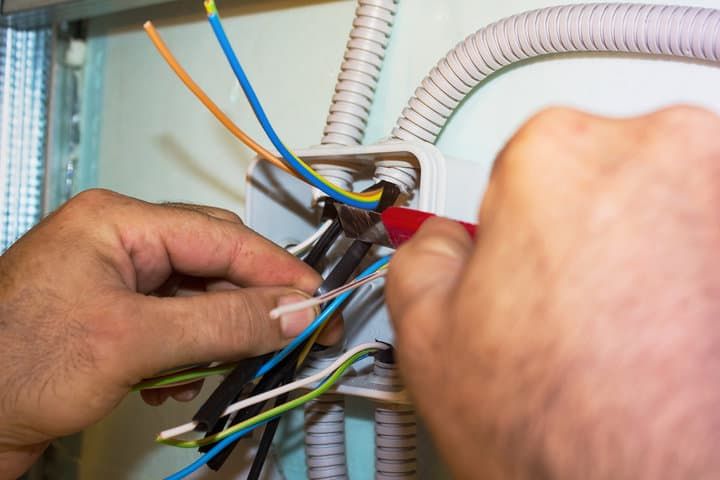
Sometimes a short wire length within the light fixture could be at fault. It is a good practice to have all wires at least 6" long.
Loose wires connecting the bulb, fixture, and switch could all be reasons for a sudden onset of flickering light bulbs. You'll need to fix this faulty wiring to get the light working.
Moving away from the light fixtures and into your electrical panel, loose wiring in the circuit breaker is a common occurrence and a reason for a flickering light.
So check your LED light bulbs to make sure there's plenty of wire and that there are no loose connections.
Then check the circuit breaker to make sure there isn't a loose connection point there. If there is, then it will likely be affecting your whole home's electrical system for your lights — multiple lights would have visible flicker.
Problems with your electrical current
Voltage fluctuations on a shared circuit are another common cause of LED flickering.
Having high-wattage incandescent bulbs or other large loads on the same circuit as LED lighting can cause minor voltage drops in the circuit wiring. While incandescent filaments are resilient to these small fluctuations, LED drivers are more sensitive and may flicker in response to the unstable voltage. This is especially likely on circuits with long wire runs or undersized wiring.
The solution is to move high-draw devices to their own dedicated circuit, or ensure your LED lighting is on a separate circuit from heavy loads.
Dimmer Switch: Why Do My LED Lights Flicker On A Dimmer?
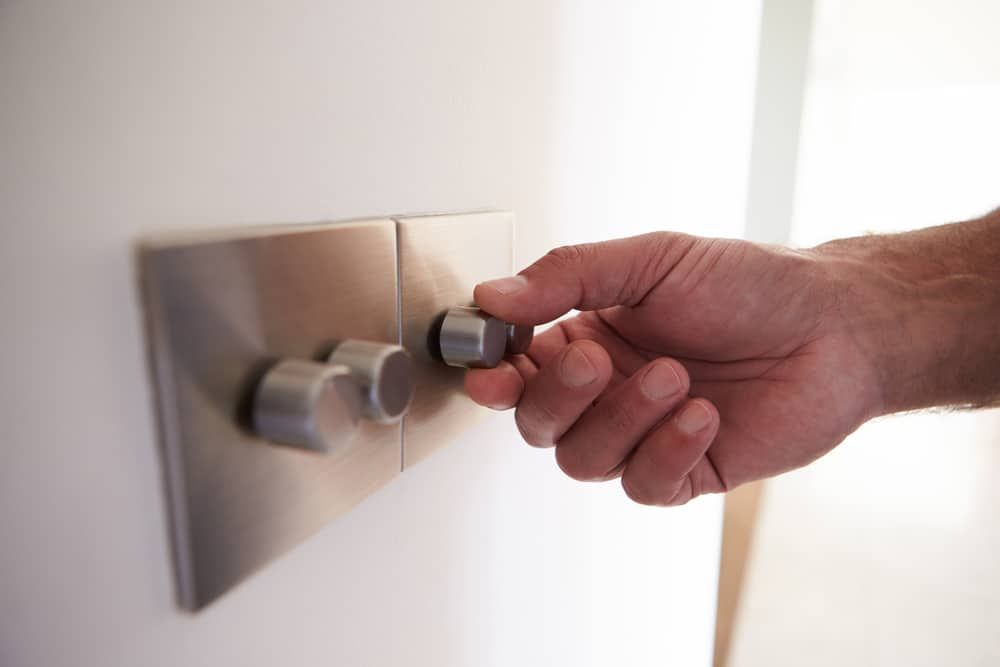
An incompatible dimmer switch wired to a newer LED light fixture or bulb will produce a flickering problem — there will be an uneven flicker frequency (on/off at irregular intervals).
To understand why, it helps to know how LED dimming works. Most dimmable LEDs use a technique called PWM (pulse-width modulation) that rapidly switches the LED on and off to control brightness. This is normal operation, not a fault — but when the dimmer and bulb aren't compatible, the switching becomes irregular and produces visible flicker.
So, can LED lights be used on a dimmer switch?
In short, yes. Often the issue of flickering LEDs can be as simple as using non-dimmable LED bulbs on dimmer switches. It is a simple but commonly overlooked problem. The fix is also simple — just replace non-dimmable LEDs with dimmable LED bulbs.
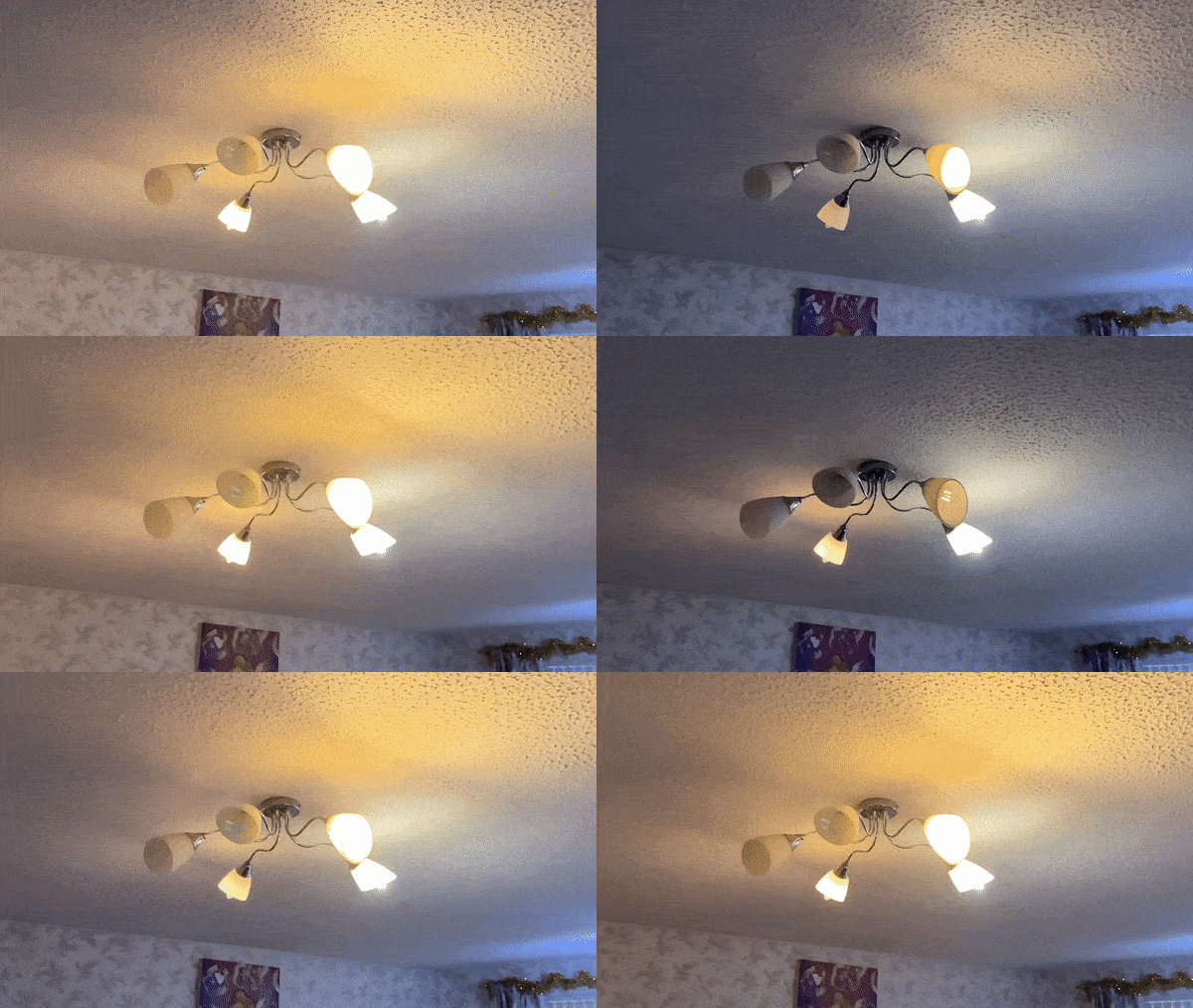
Here is an example of flickering LEDs in my living room. These are non-dimmable LEDs installed on the dimmer so fix is pretty straightforward. Either don't dim the light, or buy dimmable LEDs.
The type of dimmer also matters — here's a quick compatibility reference:
| Bulb Type | Dimmer Type | Result |
|---|---|---|
| Non-dimmable LED | Any dimmer | Flicker, hum, or damage to bulb |
| Dimmable LED | Leading-edge (TRIAC) dimmer | May flicker, especially at low levels |
| Dimmable LED | Trailing-edge (LED-compatible) dimmer | Stable, smooth dimming |
| Smart LED bulb | No dimmer needed (app/voice control) | Best results, no compatibility issues |
Don't be tempted by the other easy solution of switching back to traditional bulbs. You'll lose all the efficiency benefits that an LED light bulb gives you since they use so much less energy.
Instead, just correct the dimmer compatibility to resolve the flickering issues properly.
Why Do LEDs Flicker Even When Lights Are Off?
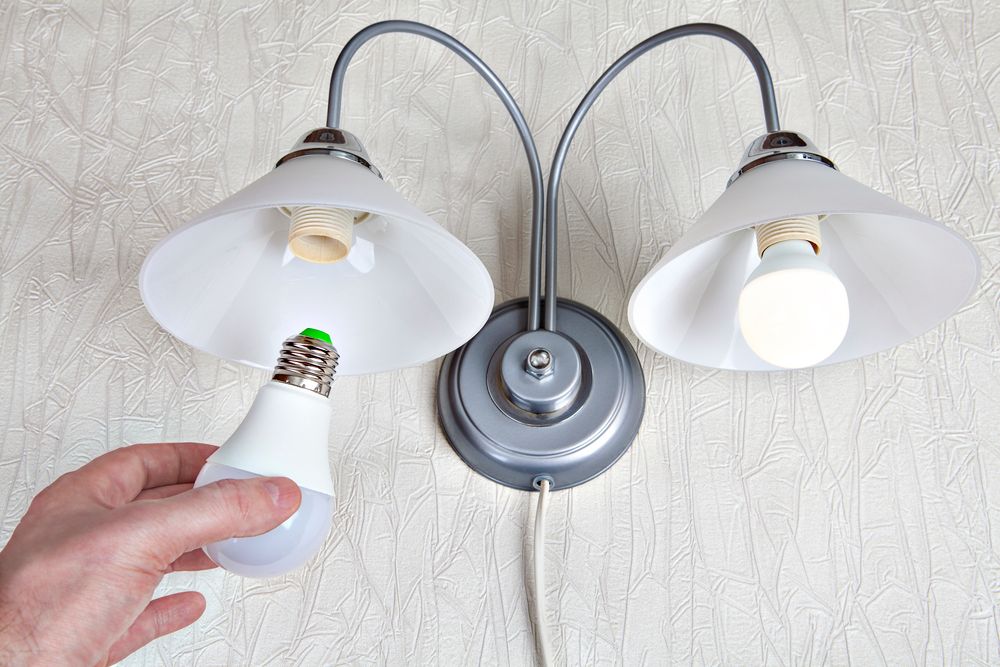
Some LED bulbs will flicker or glow dimly even when the switch is off. This isn't a faint after-glow that fades in a few seconds — it's a persistent dim light or repeated flicker that continues indefinitely.
The cause is almost always the switch. LED bulbs that exhibit this problem typically share one thing in common: switches with extra features like a dimmer, WiFi control, night light, or an indicator LED.
These smart dimmer switches need some standby power all the time for their features to work.
Here's how it happens, step by step:
- The switch doesn't use the neutral wire (common in older wiring setups)
- Without a neutral wire, a small amount of current leaks through the LED bulb's circuit instead
- This creates capacitive coupling — a build-up of residual charge in the bulb's capacitor
- Once enough voltage accumulates, the LED briefly fires, discharges, and the cycle repeats
You can verify this by touching a non-contact voltage tester to one of the connections in your LED lamp socket with the switch off. If the tester detects voltage, stray current is present.
The fix is to either install a switch that uses a neutral wire, or add a small snubber/bleeder module across the fixture to safely dissipate the leakage current.
Also read: Why Do LED Lights Flicker On The Video?
Why Are All My LED Lights Flickering In The House?

When only one or a few LED lights in your home are flickering, it's easy to spot where potential problems might be. But when all your LED lights are flickering, it can be more challenging.
There are two potential reasons why all your LED lights are flickering:
- Your entire house has dimmer switches (in this case, go back to the dimmer solutions above)
- A sudden drop in voltage across your home's electrical supply
Usually, flickering lights in the entire home is caused by a sudden drop in voltage.
This can normally be attributed to a high-powered appliance on your home circuit. High-draw devices like EV chargers (pulling 30–50A), HVAC systems, or electric ovens cause a momentary voltage sag when they switch on. The reduced voltage causes your LED bulbs to adjust to the lower power levels, which produces flicker.
Most modern homes have light fixtures on different circuits from wall outlets and high-draw appliances, which should negate this issue — but it's worth checking.
It may not even be your home causing the problem. Most homes share a transformer with neighboring properties. If a neighbor's high-draw appliances create a large enough voltage sag, it can affect the whole street.
If the problem isn't a surge due to high-demand appliances, the light bulbs in your home could be flickering due to damage to the main power supply.
If you've had bad weather and the problem has only just started, it's likely that a fallen tree or similar cause has damaged the nearby wires. Call your power company if that's the case.
Are Flickering LED Lights Dangerous?
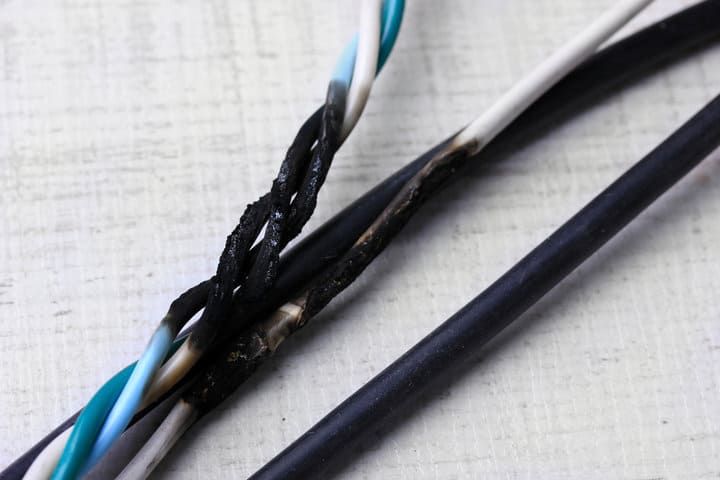
Flickering lights can be dangerous if left unchecked. The common cause of a flicker can be loose wiring.
Consequently, loose wires in circuits are a leading cause of house fires due to the high resistance to current flow.
When you can see your LED lighting starts to flicker, it's time to take corrective measures. If you are not experienced in electrical work, call a licensed electrician to get things checked out.
Flickering LED lights can also cause some of these other problems:
- Blown fuses
- Tripped circuit breakers
- Overloading other appliances leading to a burning smell
Turn off the faulty light bulbs, and keep the circuit off until you can get professional help.
What Is Invisible Flickering And How To Spot It?
Sometimes, bulb flicker cannot be detected by the human eye but is still registered by your brain, affecting it negatively. It's more common in low-quality LEDs that use cheap driver circuits with poor current smoothing.
A simple way to check for invisible flicker is to point your phone's camera at the bulb. If you see a series of light and dark bands moving slowly across the screen, it suggests your bulb may be flickering. Note that this test provides a rough indication only — most phone cameras will show some banding from any AC-powered light source due to how the camera's rolling shutter sensor works. For accurate flicker measurement, a dedicated flicker meter is needed.
Invisible flicker at 100–120 Hz has been linked to headaches, eyestrain, and reduced visual performance (IEEE 1789-2015). While visible flicker below 65 Hz can trigger seizures in people with photosensitive epilepsy, the health effects of higher-frequency invisible flicker are still being studied. Either way, it's worth fixing for your comfort and well-being.
When shopping for replacement bulbs, look for specifications mentioning flicker percent or flicker index — lower numbers mean less flicker. Bulbs that meet California Title 24 flicker requirements or score well on IEEE 1789-2015 recommended practices are the safest choices.
How To Stop And Prevent Flickering
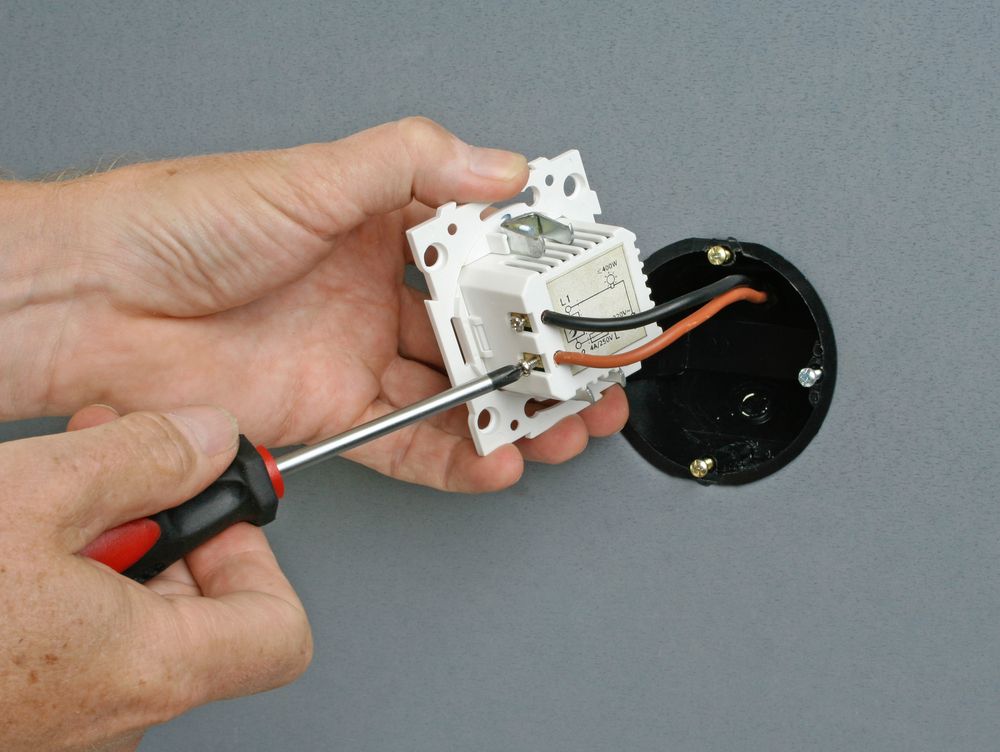
Start by identifying your scenario, then follow the matching fix below:
- Is it a single bulb? → Start with the bulb itself (see "Fixing a faulty bulb" below)
- Is a dimmer switch involved? → Check dimmer compatibility (see "Fixing dimmer switch issues")
- Does the bulb flicker or glow when switched off? → Check your switch wiring (see the section above)
- Are all lights in the house affected? → Check voltage and appliance loads (see "Fixing a voltage issue")
Fixing a faulty bulb
To check if your LED bulb is causing flickering, follow these steps:
- Twist the LED bulb to make sure it's not simply a loose bulb
- While you're at it, wipe the inside of the bulb's socket and any LED fixture, removing dust and ensuring better contact
- Swap out the LED bulb with any other bulb
If the new one works well, you know the fault was in the bulb.
If the bulb is at fault, you can try opening it up for a DIY repair. A common culprit, as mentioned earlier, would be a swollen capacitor on the driver board. You can replace the failed capacitor with a quality replacement rated for higher temperatures and buy yourself a few extra years out of the bulb.
If the capacitor looks fine, it could be the driver circuit itself. Most modern LED bulbs have a constant current driver built into the circuit board inside, which regulates the incoming AC power for the LEDs.
This is harder to replace manually and may just warrant a new bulb.
Fixing dimmer switch issues
If your LED bulb is flickering because of a dimmer switch, you need to:
- Read the labels on the packaging to see if the lights and dimmer are compatible
- If you can't find the packaging, check compatibility online using the model numbers
- Toggle the dimmer switch to find the lowest level without flicker — most dimmable LEDs can operate down to 5–20% brightness on a compatible dimmer
- If flickering occurs at low levels, try adjusting the dimmer's low-end trim setting (many modern LED dimmers have this feature) to set the minimum above the flicker point
If these haven't solved the issue, try these products to help prevent and stop LEDs from flickering:
- A trailing-edge (LED-compatible) dimming switch (Amazon)
- Smart LED bulbs — no dimmer needed, with app or voice control for smooth dimming
With smart LED bulbs there is no need for an old dimmer or aged wiring to remain. It is a complete dimming solution in itself, among other features like changing the color.
Fixing a voltage issue
If there is no dimmer and the bulb is not at fault, you can fix your LED lights flickering by:
- Moving any high-power appliances to their own dedicated circuits, separate from your lighting
- Having a licensed electrician check the voltage at your panel to confirm it's within the normal range
The standard nominal voltage for North American homes is 120V, with an acceptable range of 114V–126V per ANSI C84.1. If a voltmeter consistently reads outside this range, contact your utility company.
Quick Reference: LED Flickering Causes And Fixes
| Symptom | Likely Cause | Fix |
|---|---|---|
| Single bulb flickers | Faulty driver or swollen capacitor | Tighten bulb, clean socket, or replace the bulb |
| Flicker with dimmer | Incompatible dimmer or non-dimmable bulb | Use dimmable LEDs with a trailing-edge LED dimmer |
| Flicker at low dim levels | Dimmer below LED's minimum threshold | Adjust low-end trim or raise dim level slightly |
| LED glows/flickers when off | Current leakage through switch without neutral wire | Install neutral-wire switch or add a snubber module |
| All lights in house flicker | Voltage sag from high-draw appliance | Move heavy loads to dedicated circuits; check panel voltage |
| All lights flicker after storm | Damaged supply wiring | Contact your power company immediately |
| Invisible flicker (headaches) | Low-quality LED driver with poor current smoothing | Replace with quality bulb rated for low flicker |
Final Words
LED flickering almost always has a specific, identifiable cause — and that means it almost always has a fix. Start with the simplest explanation (a loose bulb or incompatible dimmer) before moving to more complex possibilities like wiring faults or voltage issues.
If you're not confident working with electrical wiring, always call a licensed electrician. Flickering caused by loose connections is a genuine fire risk that's worth professional attention.
It could also be that you've not used the correct bulb — our bulb picker tool can help you choose the right shape, size, and type for your fixture.
FAQ
Why Does My Dimmable LED Flash?
Usually the cause of a dimmable LED flashing is an incompatible dimmer switch. Make sure you're using LED bulbs rated as dimmable and that your dimmer is a trailing-edge (LED-compatible) model. If flashing occurs only at low levels, try adjusting the dimmer's low-end trim setting.
Do LED Bulbs Flicker Before They Burn Out?
Usually, no — LED bulbs will get dimmer as they burn out, but flickering doesn't normally mean they need to be replaced. If your LED bulbs have been getting dimmer and then start flickering, the driver circuit is likely failing and it's time for a replacement.
Will Taking The Bulb Out From Fixture And Resetting The Fuse Box Fix Flickering?
In most cases, removing a bulb and resetting the fuse box won't fix it. The only time this will work is if the circuit breaker has already tripped, and the reason the bulb is flickering is due to residual power.
Can Different Types Of Light Fixtures Cause Flickering?
LED bulbs generally run cooler than older types of light bulb, but they can flicker if they overheat. Certain older types of light fixtures, particularly enclosed recessed lighting, are more prone to trapping heat. Make sure your fixture is rated for LED use and has adequate ventilation.
What Is PWM Dimming And Does It Cause Flicker?
PWM (pulse-width modulation) is how most dimmable LEDs control brightness — by rapidly switching the LED on and off thousands of times per second. This is normal operation, not a fault. However, low-quality implementations with PWM frequencies below 1,000 Hz can produce visible or perceptible flicker, especially at low brightness levels.
How Do I Know If My LED Bulb Has Low Flicker?
Look for specifications mentioning flicker percent or flicker index on the product packaging or spec sheet — lower numbers mean less flicker. Bulbs that meet California Title 24 flicker requirements or reference IEEE 1789-2015 recommended practices are the safest choices for flicker-sensitive environments.