
Do LED Lights Get Dimmer Over Time? LED Degradation Explained
LED bulbs don't burn out — they fade. And the culprit is often the cheap capacitor inside the driver, not the diode itself, dying years before the chip does.
 Eugen
EugenEugen Nikolajev
Creator of LED Lighting Info
Hi, I am Eugen. I was always one of those kids who had all sorts of weird lighting gadgets for every occasion.
Now, I want to share my knowledge and experience about lighting with you on LED Lighting Info.
Read my editorial standards
Key Takeaways
LED bulbs get progressively dimmer throughout their life until they no longer produce useful light. This is normal lumen depreciation, and it can be accelerated by heat, poor fixtures, and cheap drivers.
Most consumer LEDs are rated to an L70 standard, meaning they're expected to maintain at least 70% of their initial brightness for a set number of hours — typically 15,000 to 25,000 hours under ENERGY STAR.
LED bulbs don't burn out the way old incandescent bulbs do — there's rarely a flash, a pop, or a sudden death. Instead, they fade. So how true is "nothing lasts forever" for the LEDs in your home?
In this guide, I'm going to explain:
- Why your LED lights get dimmer over time
- How to slow down the dimming of your LED bulbs
- How to tell when your LED has reached the end of its life
Why Do LED Lights Lose Brightness Over Time?
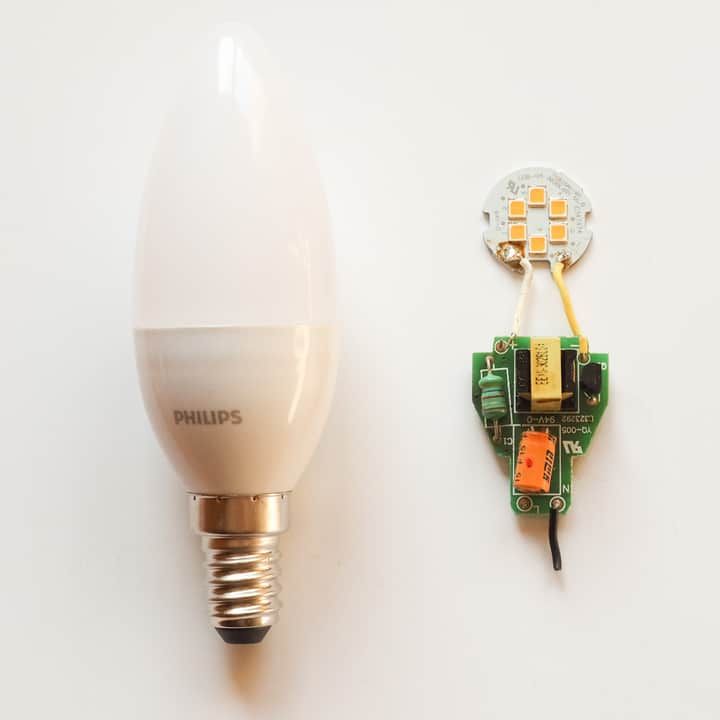
An LED produces light when current flows across a semiconductor junction and electrons (negative charge carriers) recombine with holes (positive charge carriers) injected from the other side. Each time an electron and a hole meet, the energy difference between them is released as a photon — a particle of light. This is what makes the diode glow.
Over the LED's life, microscopic defects called threading dislocations — flaws in the crystal structure of the semiconductor — multiply inside the chip. Think of them like silt building up in a riverbed: the channels that once carried water cleanly start to clog.
In an LED, these dislocations create sites where electrons and holes recombine without emitting any light (a process called non-radiative recombination), and they open up leakage current paths that bleed off charge carriers. Both effects mean fewer photons are produced for the same amount of current.
Some of these defects exist from the moment the chip is manufactured, but they accumulate steadily as the LED runs — and faster when the chip runs hot.
Phosphor Degradation and Color Shift
Semiconductor wear isn't the only culprit. Most white LEDs are actually a blue diode coated in a yellow phosphor (typically a cerium-doped yttrium aluminum garnet, or YAG:Ce). The phosphor absorbs some of the blue light and re-emits it as yellow; the combined blue and yellow appears white to your eye.
As the LED ages, the phosphor loses conversion efficiency and the silicone binder around it yellows from heat and UV exposure. This produces two visible effects: the bulb gets dimmer, and the color of the light shifts — usually toward blue, because the phosphor degrades faster than the underlying blue chip. If your "warm white" LED has slowly turned a colder, bluer shade over a few years, phosphor degradation is the reason.
Driver and Capacitor Wear
Inside every LED bulb is a small power supply called a driver, which converts mains AC voltage into the steady DC current the diode needs. Drivers contain electrolytic capacitors, and these are often the weakest link in the bulb. Their lifespan is typically 3–4× shorter than the LED chip itself, which is why a cheap bulb advertised at 25,000 hours can fail after a year or two — the driver gives out long before the diode does.
Lumen Depreciation and the L70 Standard
Lumen depreciation is the formal term for the loss of brightness over time. In the U.S., consumer LEDs are typically rated to an L70 standard — the time it takes for the bulb's output to drop to 70% of its original level, considered the threshold where the dimming becomes noticeable to the human eye. ENERGY STAR requires at least 25,000 hours at L70 for most household lamps, and 15,000 hours for decorative ones.
The L70 number itself comes from two standards published by the Illuminating Engineering Society: LM-80, the lab procedure that measures lumen output over a minimum of 6,000 hours, and TM-21, the math used to project that data forward into a full lifetime estimate.
Stricter ratings exist too. L80 and L90 (where the bulb must hold 80% or 90% of its initial output) are common in commercial, industrial, and high-end residential settings where preserving brightness matters more — think offices, retail, and hospitals.
Once an LED has faded past its rated threshold it will still give off some light, just not enough for the job it was bought to do. And lumen depreciation is non-linear — it follows an exponential decay curve. The decline is gradual through most of the bulb's useful life, then accelerates as the phosphor and driver components reach the end of their tolerance.
Do LED Lights Get Dimmer When They Are Hot?
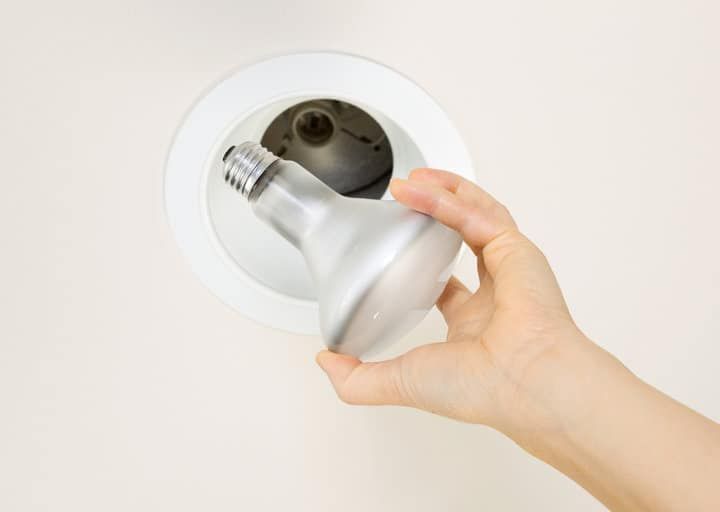
Yes — heat is the single biggest accelerant of LED degradation. High temperatures speed up the formation of threading dislocations in the chip, drive faster phosphor breakdown, and shorten the life of the driver capacitors.
There's also a short-term effect: when an LED runs hot, its light output drops immediately, and only recovers fully if the chip cools back down. Repeatedly letting it cook will permanently shorten its life.
Most LED bulbs include a heat sink to pull heat away from the diode. But you also play a role. LED datasheets list three temperature limits worth knowing about:
- Junction temperature (Tj) — the temperature inside the chip itself, with typical maximums of 125–150°C.
- Case temperature (Tc) — the outside of the LED package, usually capped around 80–90°C.
- Ambient temperature (Ta) — the air around the fixture, typically rated to a maximum of 35–55°C (95–130°F) depending on the product.
There's no single universal limit — each bulb's tolerance depends on its specific thermal design and heat sink. If you're putting LEDs into an enclosed fixture, a recessed can, or a hot location like a garage or attic, check the datasheet for that specific product.
How to Slow Down LED Degradation
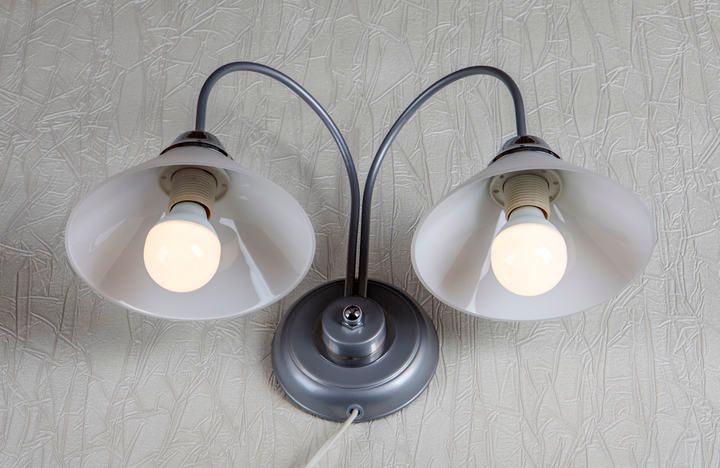
You can't stop lumen depreciation entirely, but you can stretch the useful life of your LEDs significantly with a few habits.
Prevent overheating. Don't install LEDs next to radiators, in poorly ventilated enclosed fixtures, or in rooms that run hot for extended periods. If you're using recessed cans or downlights, look for fixtures specifically rated for enclosed installation. Heat is the biggest controllable factor in LED lifespan.
Match the bulb to the fixture. Don't exceed the fixture's maximum wattage rating, and use bulbs designed for the application — wet-rated for bathrooms and outdoors, enclosed-rated for sealed fixtures.
Use dimmable LEDs on dimmer circuits. Putting a non-dimmable LED on a dimmer is a recipe for flicker, buzz, and a much shorter lifespan. Check the dimmer compatibility list for your specific bulb.
Minimize vibration. LEDs handle vibration much better than incandescent bulbs, but constant shaking from a nearby ceiling fan or a frequently slammed door can still loosen connections and stress the driver components. Make sure the bulb sits firmly in the socket.
Buy quality drivers. The cheapest bulbs cut corners on the driver — that's where the electrolytic capacitors live, and that's usually what fails first. Spending a little more on a reputable brand often buys you a noticeably longer-lived bulb, regardless of what the rated hours say on the box.
Has My LED Bulb Reached the End of Its Life?
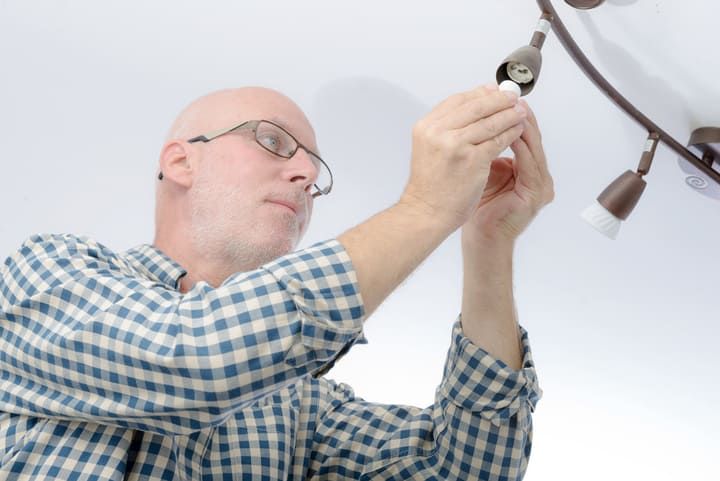
Unlike incandescent bulbs, an LED chip rarely dies with a pop or a sudden flash — it just fades. The driver, on the other hand, can fail more dramatically: an electrolytic capacitor in the driver can rupture audibly, sometimes with a pop, hiss, or faint smell of burning electronics. This is actually one of the most common premature failure modes for LED bulbs, especially cheap ones.
If you suspect a bulb has reached the end of its life, work through these steps:
- Test the bulb in a different fixture on a different circuit, ideally in a different room. If it stays dim or doesn't light, the bulb itself is finished.
- Check its age against the rated L70 hours. A bulb that lasted close to its rated life has simply done its job.
- Inspect for heat damage — discoloration on the plastic base, browning of the lens, or a yellowed phosphor coating are all signs the bulb has been running too hot.
- Watch for color shift — if the light has drifted from warm white toward a colder, bluer tone, the phosphor has degraded and the bulb is past its prime even if it's still bright.
- Check the dimmer and wiring if the bulb failed early. Incompatible dimmers, loose connections, or voltage spikes from elsewhere on the circuit can fry the driver and kill the LED prematurely.
If the bulb fell well short of its advertised lifespan and the fixture is fine, the most likely culprit is a low-quality driver — a frustrating but common reason cheap LEDs underperform their box ratings.
Final Words
LEDs will always suffer from lumen depreciation — semiconductor defects, phosphor breakdown, and driver wear all conspire to dim the light over time. No technology has eliminated these aging mechanisms yet.
But you can stretch a rated 25,000-hour bulb close to its full life by doing three things: keep it cool, match it to the right fixture and dimmer, and spend a little more on bulbs with quality drivers. Those three habits do more than any specification on the box.
If you're finding that your lights are dimming far too quickly for their age, read my guide on reasons why LED bulbs keep burning out — it covers the most common causes of premature failure.
FAQ
How long do LED bulbs typically last before they get noticeably dim?
Most consumer LED bulbs are rated to L70 — meaning they retain at least 70% of their initial brightness — for 15,000 to 25,000 hours under ENERGY STAR requirements. At 3 hours of use per day, that's roughly 14 to 23 years. Cheaper bulbs often fall short of this because the driver fails before the LED chip itself does.
Why is my warm white LED turning blue or yellow over time?
That's color shift, caused by phosphor degradation. White LEDs are blue diodes coated with a yellow phosphor; as the phosphor loses efficiency and the silicone around it yellows from heat, the color balance drifts. A shift toward blue usually means the phosphor is degrading faster than the underlying chip — a normal sign of aging.
Does turning LEDs on and off frequently shorten their life?
Not significantly, unlike fluorescent or incandescent bulbs. LEDs are very tolerant of switching cycles. The bigger threats to lifespan are heat, poor-quality drivers, and incompatible dimmers — not how often you flip the switch.
What's the difference between L70, L80, and L90 ratings?
They're all measures of how long an LED retains a given percentage of its initial brightness. L70 (70% retained) is the consumer standard required by ENERGY STAR. L80 and L90 are stricter and common in commercial and industrial fixtures where maintaining higher light levels matters more.
Can a dimmer cause my LED to fail early?
Yes. Putting a non-dimmable LED on a dimmer circuit, or pairing a dimmable LED with an incompatible (often older incandescent-era) dimmer, can cause flicker, buzz, and accelerated driver wear. Always check the bulb manufacturer's dimmer compatibility list.