
Why Do Motion Sensor Lights Give False Detections?
A stationary radiator in your PIR's field of view won't trigger it — but that same radiator switching on will, because PIRs detect heat moving, not heat itself.
 Eugen
EugenEugen Nikolajev
Creator of LED Lighting Info
Hi, I am Eugen. I was always one of those kids who had all sorts of weird lighting gadgets for every occasion.
Now, I want to share my knowledge and experience about lighting with you on LED Lighting Info.
Read my editorial standards
Key Takeaways
False detections are usually caused by changes in heat or sunlight in the field of view, an unstable supply voltage, a damaged or dirty lens, or radio-frequency and electromagnetic interference from nearby electronics.
Motion sensor lights are useful — until they start triggering for no apparent reason. In my experience, almost every false trigger traces back to one of a small handful of causes, and most can be fixed with a careful diagnosis.
Here's what this guide covers:
- How a PIR sensor actually works
- What sets off motion sensor lights
- How to prevent (most) false detections
What Triggers a PIR Sensor?
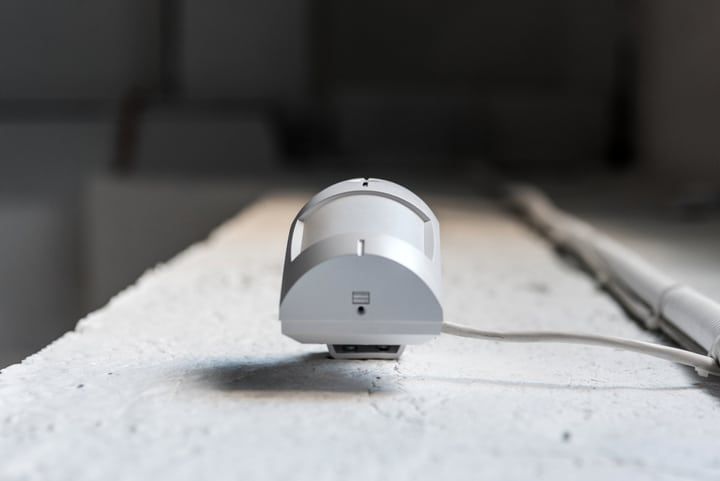
PIR stands for Passive Infrared. These sensors detect infrared radiation in the 8–14 micron band — the wavelengths emitted by warm-blooded bodies at around human body temperature.
Inside the sensor are two pyroelectric elements arranged side by side. In a stable scene, both receive the same amount of IR and cancel each other out. When a warm body moves across the detection zones — focused into discrete fingers by the Fresnel lens on the front of the sensor — one element registers the change before the other. That imbalance is what triggers the output.
So it isn't the presence of heat that trips a PIR; it's heat moving across its zones. A perfectly stationary radiator sitting in the field of view generally won't fire the sensor. A radiator turning on, a sunbeam shifting across the lens, or a curtain warming and cooling as the heating cycles? Those will.
What Can Cause a False Trigger?
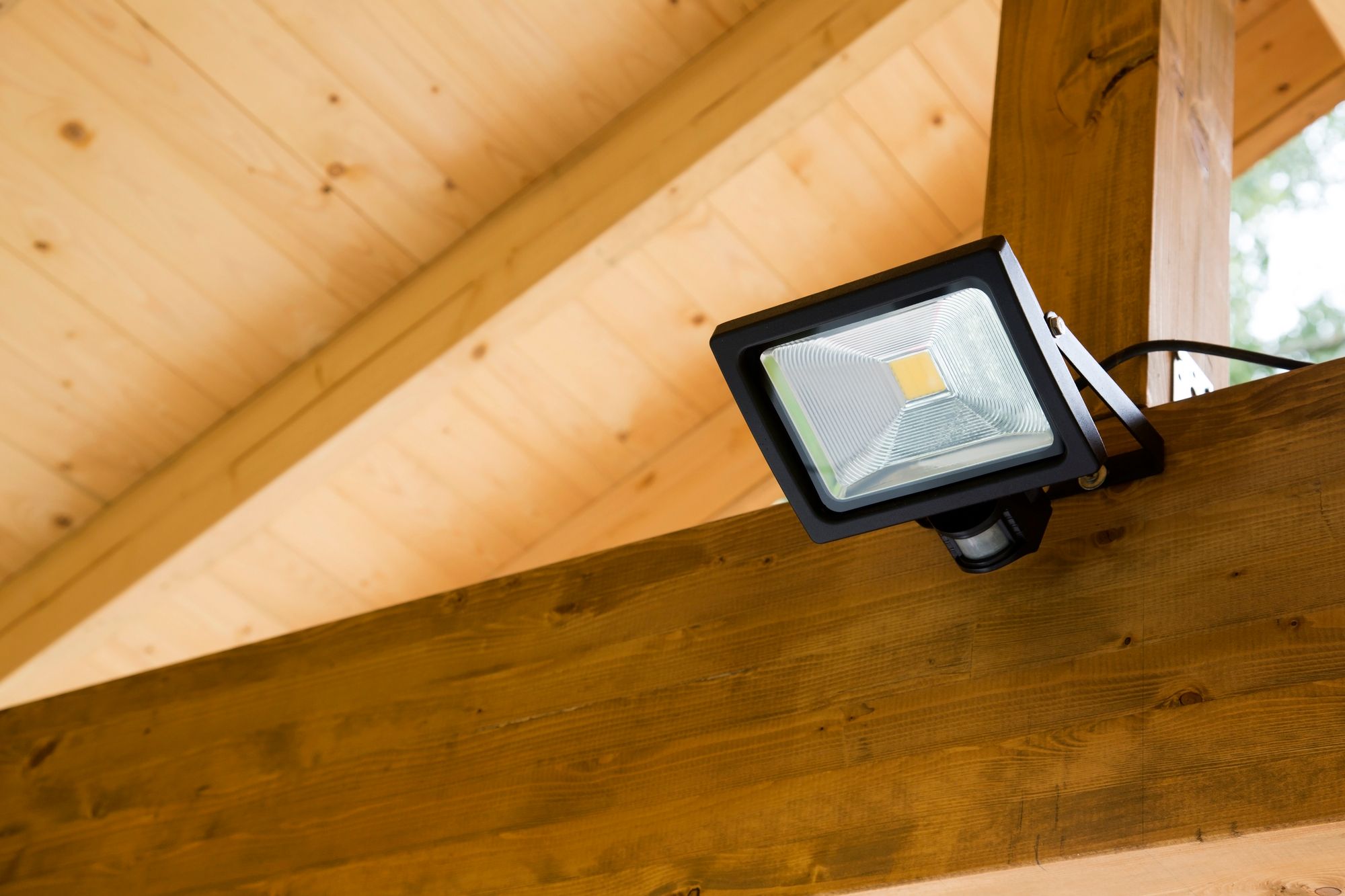
Here are the main culprits to check, roughly in order of how often they're the cause:
- Heat or sunlight changes in the field of view
- Unstable supply voltage
- A damaged sensor housing
- Insects or spider webs on the lens
- Radio-frequency or electromagnetic interference
To be clear, this list covers purely false detections that don't involve real motion. Animals and pets technically are moving, so they're not false triggers — even if they feel like it.
Heat or Sunlight Changes
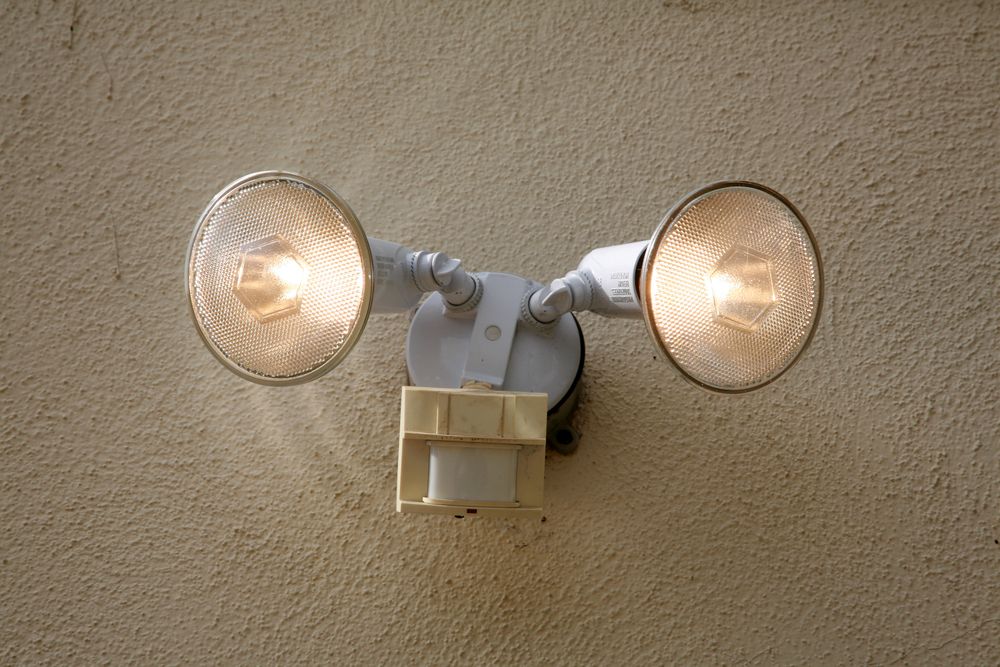
This is the single most common false-trigger cause outdoors. The PIR doesn't care whether what's moving is a person, a warm radiator, or a sunbeam — it only cares that something in the 8–14 micron band changed across its zones.
Indoors, suspect a radiator turning on, an HVAC vent puffing warm air, or sunlight tracking across a wall as the day progresses.
Outdoors, the list expands: an air-conditioning unit venting hot exhaust, a streetlight switching on, sunlight filtered through moving tree branches, sunlight reflecting off a passing car windshield or a neighbor's window, or warm air rising off a recently driven driveway.
Unstable Supply Voltage
Mains-powered sensors expect a steady supply within a narrow range — many fail to behave reliably outside roughly ±5% of their rated voltage. Battery-powered wireless sensors will start giving false triggers as the cells run down, so swap in fresh batteries before chasing anything more exotic.
Wired sensors are sold in region-specific voltage versions — typically 120V for North America, 220–240V for most of Europe, Asia, Africa, and parts of South America, and 277V for some commercial fixtures in the US. You must buy a sensor that matches your local mains voltage. The two are not interchangeable, and connecting a low-voltage sensor to a high-voltage circuit will almost always destroy it instantly — sometimes with arcing, board fires, or electric shock before the breaker trips. Match the sensor's rated voltage exactly to the supply.
One quirk worth knowing: many PIR and smart switches need a neutral wire at the switch box to power their internal circuitry. In older homes wired without a neutral at the switch, leakage current through the load can create flicker and false triggers — particularly with LED loads, which draw very little power. If you're seeing odd behaviour on a no-neutral install, that's often the cause.
Damaged Sensor
Sometimes the sensor is just broken. A crack in the housing exposes the electronics to outside elements, which can cause it to think that motion or temperature change has occurred.
On outdoor units, any breeze finding its way through a crack is enough to push warm or cool air across the pyroelectric elements and fire the sensor.
Insects and Spider Webs
This sounds trivial, and it's wildly common. Spiders treat outdoor PIR housings as ideal web anchors — the lens warms slightly during the day and attracts insects at night, which in turn attracts spiders. A web swaying in a slight breeze, or an insect crawling across the lens, will fire the sensor as reliably as a person walking across the yard.
The fix is a one-minute job: wipe the lens with a dry cloth and check for webs every month or so.
Radio-Frequency and Electromagnetic Interference
PIR sensors can be triggered by strong radio-frequency or electromagnetic signals that modulate the DC supply or couple directly into the sensor's circuitry.
Common ongoing sources in real homes include nearby Wi-Fi routers, mobile phones (especially during cell handovers), CB or ham radio gear, baby monitors, and switching power supplies — plus electromagnetic noise from fluorescent ballasts or dimmers on the same circuit. Garage door openers transmit only briefly when a button is pressed, so they're rarely the cause of persistent false triggers, despite being the textbook example.
How to Prevent False Detections
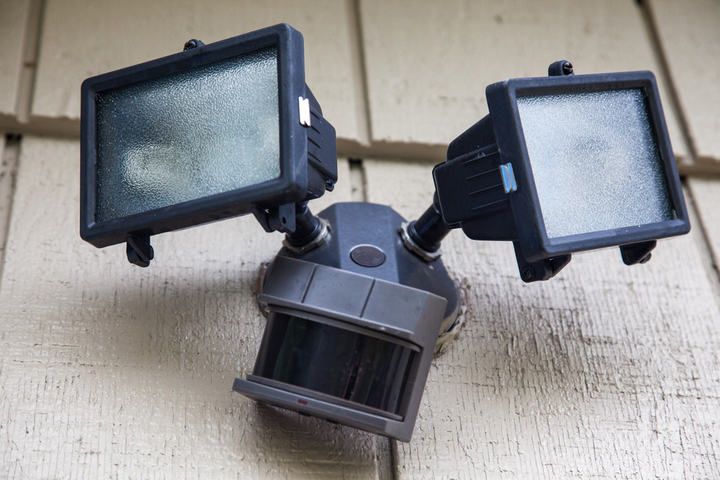
Work through these checks in order — easiest and cheapest first.
Check For Damage
Look the sensor over for cracks, water ingress, or general wear. If you find any, plugging the gaps is rarely a long-term fix — replace the unit instead.
Clean the Lens
Wipe the lens with a dry, soft cloth. Look for spider webs anchored anywhere on the housing — a single strand drifting in a breeze is enough to trigger a false detection. Make this a routine monthly check on outdoor units.
Match the Supply Voltage
If the sensor still misbehaves, confirm the supply voltage matches what the sensor expects. For battery-powered units, swap in fresh cells first — that fixes most cases.
For mains-powered sensors, measure the supply with a multimeter:
- Turn off the power at the breaker.
- Disconnect the sensor from the power supply.
- Connect the multimeter — red probe to the incoming positive (or live) wire, black probe to neutral or ground.
- Restore power and check that the voltage stays consistently within the sensor's rated range.
If the reading is unstable or out of range, the wiring or upstream supply is the issue and needs an electrician's attention. If you're not comfortable working inside a live junction box, stop here and call one — mains voltage is not a place to learn on the job.
Reduce Heat-Source Exposure
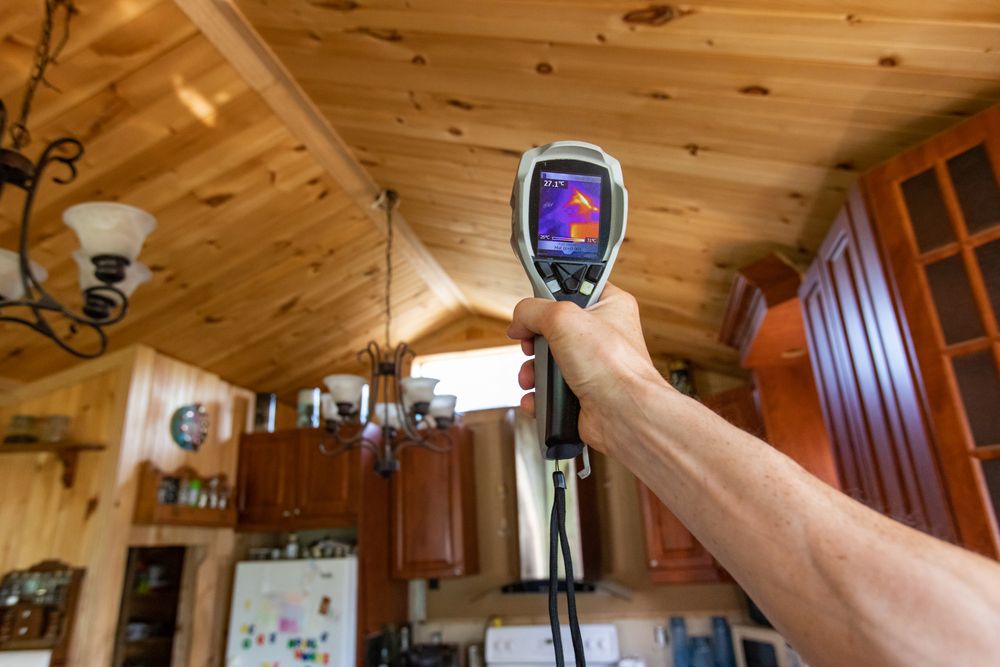
If a radiator, HVAC vent, or a window in direct sun sits in the field of view, either insulate the source, reposition it, or aim the sensor away from it. Lowering the sensor's sensitivity setting will also help — and if your sensor doesn't have one, that's a sign it's worth upgrading to a model that does.
For wildlife, a camera trap can confirm whether animals are setting off the sensor. Sometimes the lights themselves keep animals away, but only after they've already been triggered once.
Reduce Interference
To check whether interference is the cause, hold a mobile phone right up against the sensor and place a call. If the sensor fires when the phone connects, RFI is at least part of the problem.
For mains-powered motion-sensor lights, the practical fixes are: relocate the sensor away from the interference source (a few extra feet of distance from a Wi-Fi router or fluorescent fixture often does the trick), fit a ferrite clamp around the supply cable to absorb high-frequency noise, or — if the source is a switching load on the same circuit — add an RC snubber across the switch.
You'll sometimes see the ACT 1376 PIR Stabiliser recommended for this. It's a real product and it works well — but it's designed for 12V DC PIR detectors used in burglar-alarm systems, not for 120V or 240V mains-powered floodlights. Don't wire it into a mains light.
Place the Sensor Wisely
A surprising number of false triggers come down to where the sensor is pointed. A few quick rules:
- Don't aim the sensor at a road, driveway, or anywhere passing cars are visible.
- Don't point it at HVAC exhaust vents, dryer vents, or chimneys.
- Don't put it where the sun tracks directly across the lens at any time of day.
- Don't mount it where tree branches can sway in front of the field of view.
- Do mount it so the detection zones run across the path of expected motion — PIRs are far more sensitive to motion crossing zones than to someone walking straight at the sensor.
Adjust Sensitivity and Hold Time
Most modern PIR fixtures expose three settings: range/sensitivity, lux (the ambient-light threshold below which the light will switch on), and hold time. Environmental false triggers are usually best addressed by lowering sensitivity slightly. Complaints about lights staying on too long after a real trigger are addressed by hold time — typical settings range from about 10 seconds to 30 minutes. Drop the hold time if a brief illumination is enough; raise it if the light keeps cycling off mid-task.
Final Verdict
False triggers can rarely be eliminated entirely — a PIR sensitive enough to catch a real intruder will always be sensitive enough to occasionally fire on a sunbeam or a spider web. But proper placement, regular lens cleaning, a matched power supply, and well-tuned sensitivity and hold-time settings will reduce them to near zero in most homes.
In my experience, working through the checks above in order solves the vast majority of cases without needing to replace the unit at all.