
Do Smart Lights Need A Hub?
That HomePod mini or newer Echo on your shelf may already be acting as a Thread border router — effectively a hub you never had to buy.
 Eugen
EugenEugen Nikolajev
Creator of LED Lighting Info
Hi, I am Eugen. I was always one of those kids who had all sorts of weird lighting gadgets for every occasion.
Now, I want to share my knowledge and experience about lighting with you on LED Lighting Info.
Read my editorial standards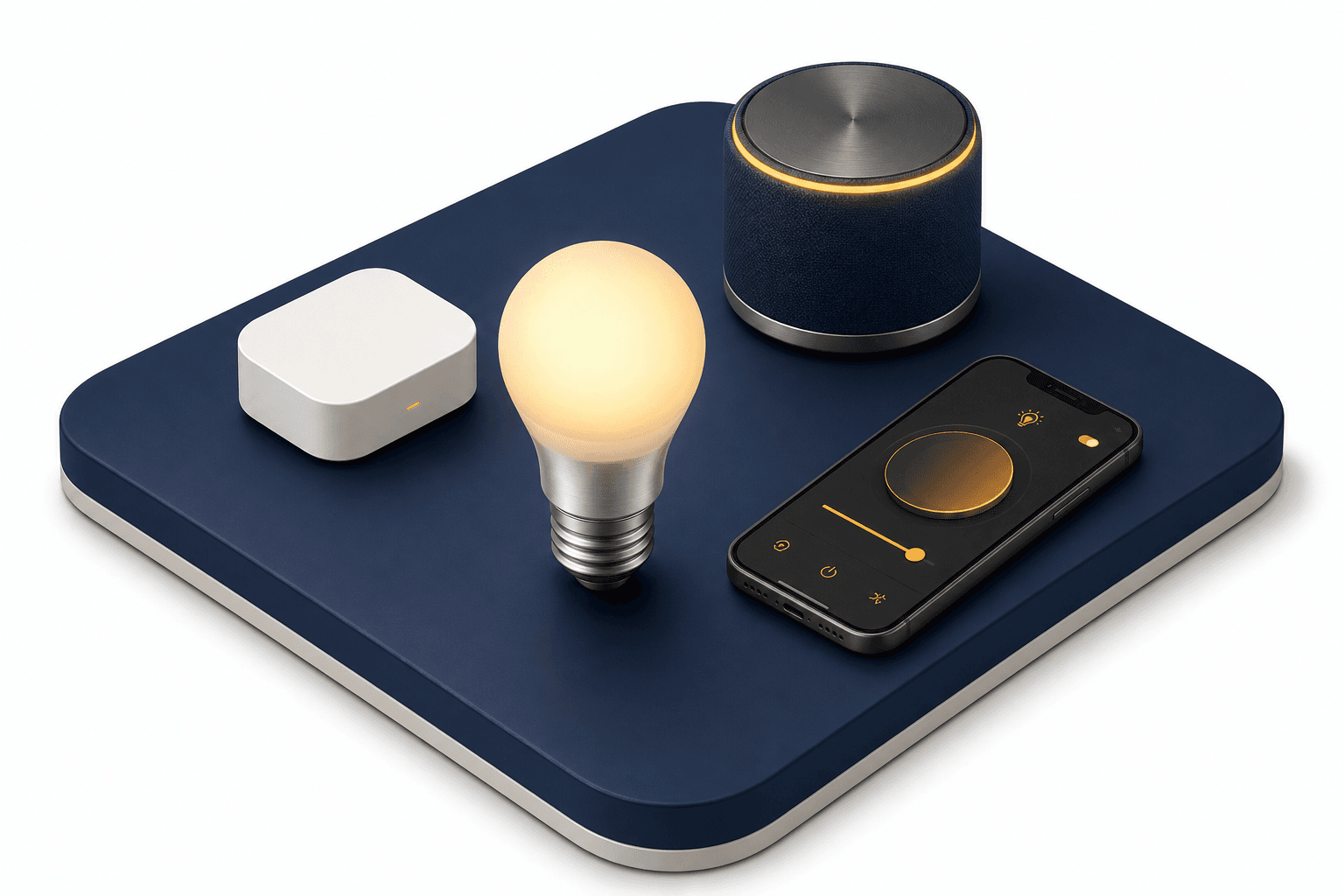
Key Takeaways
Many smart bulbs today, including LIFX, TP-Link Kasa, Wyze, Sengled, and Bluetooth-capable Philips Hue, connect directly via Wi-Fi or Bluetooth with no hub at all. Hubs are mainly needed for bulbs that use Zigbee or Z-Wave radios, which are common in larger installations and in the standard Philips Hue line.
A hub is a dedicated local device that translates between your home Wi-Fi network and these low-power protocols.
Smart lighting has gone mainstream since Philips Hue arrived in 2012, and the question of whether you actually need a hub to run it has changed along the way.
With smart lights being integrated into more houses than ever, do you need a hub to control them?
What Does The Hub Do?

A smart hub is a central control point that connects the other devices in your home — in this case, bulbs. It plugs into your router and sits alongside it, talking to your phone over Wi-Fi and to your bulbs over a different low-power radio protocol.
Many smart home devices don't communicate over Wi-Fi or Bluetooth at all. They use Zigbee or Z-Wave instead — purpose-built mesh protocols designed for low power consumption and reliable many-device networks. The hub acts as a translator: your phone or voice assistant sends a command, the hub converts it to the right protocol, and the bulb responds.
Zigbee and Z-Wave aren't interchangeable. Zigbee runs on 2.4 GHz — the same band as Wi-Fi — with shorter range (~20 m) but higher data rates. Z-Wave uses sub-GHz frequencies (908.42 MHz in the US, 868.42 MHz in the EU) for longer range (~100 m open air) and less interference. A given hub typically supports one of these protocols, not both, so check that your bulbs match before you buy.
Smart hubs are sold by many major tech companies, including Signify (Philips Hue) and Samsung. Once you have one set up, you can use it for more than just lights — doorbells, locks, sensors, and speakers can all live on the same network.
What Is The Difference Between Hub And Bridge?
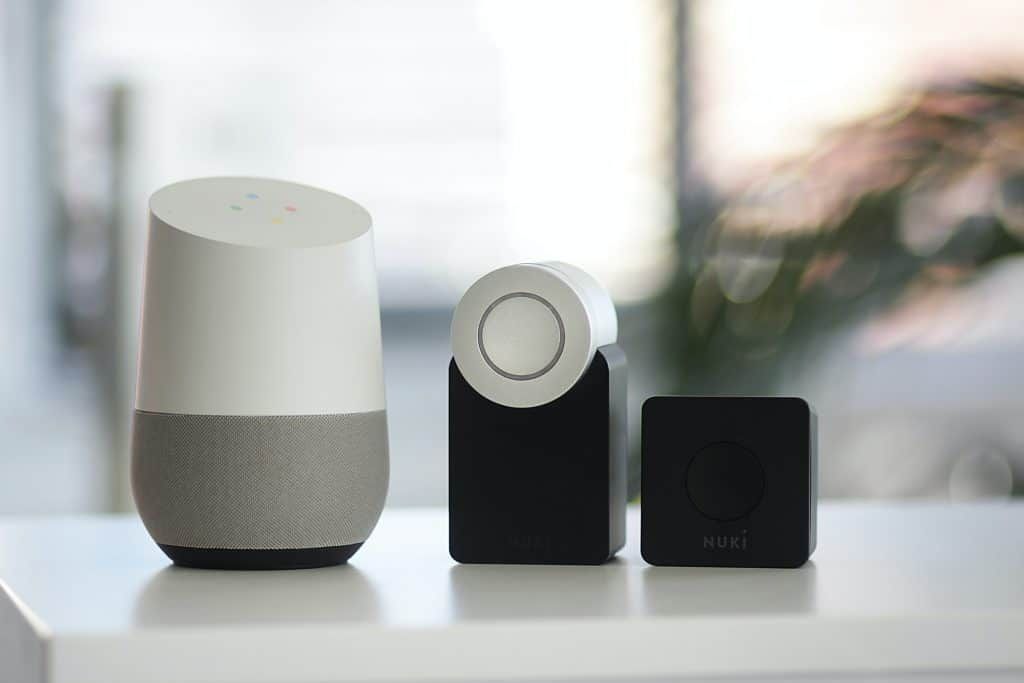
With manufacturers selling their own proprietary devices, the terms "smart hub" and "smart bridge" can get confusing. In practice they're used interchangeably — the Philips Hue Bridge does the same job as a SmartThings Hub, even though one is called a bridge and the other a hub.
What matters more than the name is compatibility. When working with a name brand, make sure your bulbs speak the protocol your hub supports. Philips Hue, for example, sells lights and accessories guaranteed to work with their Hue Bridge (Amazon), and clearly marks which bulbs also work via Bluetooth without one.
What Is The Benefit Of Having A Hub?
If your bulbs don't speak Wi-Fi or Bluetooth directly, you'll need a hub to control them. But even when a hub isn't strictly required, it brings real upsides over a Wi-Fi-only setup:
- Reduced Wi-Fi congestion — Wi-Fi smart bulbs each take a slot on your 2.4 GHz network. Once you cross 20 or 30 devices, the band starts to saturate and everything gets slower. A hub keeps bulbs on Zigbee or Z-Wave instead, off your Wi-Fi entirely.
- Local control during outages — Hub-based systems process commands locally, so your switches and routines keep working even if the internet goes down. Most Wi-Fi-only bulbs route through cloud servers and lose remote control during an outage.
- Away-from-home control — A hub gives you reliable remote access to every connected light from anywhere.
- Schedules and automations — Sunrise/sunset triggers, vacation modes, and time-of-day schedules run on the hub, not on individual bulbs.
- Motion sensor and accessory integration — Hubs let motion sensors, dimmer switches, and door contacts trigger lights without involving your phone or the cloud.
- Multi-room scenes — Coordinated colour scenes across many bulbs run more reliably from a hub than from a Wi-Fi cloud round-trip.
The tradeoff is setup complexity. A hub is one more box to mount, configure, and update, and it ties you more deeply to a single ecosystem. For one or two bulbs in a single room, a Wi-Fi or Bluetooth bulb is faster to get running. The hub starts to pay off once you're past a handful of devices or want sensor-driven automations.
How Many Bulbs Can A Hub Support?
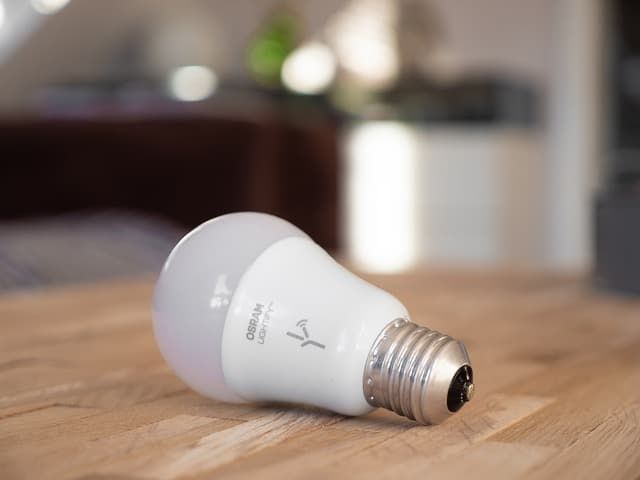
There's no universal answer — capacity depends entirely on which hub and protocol you're using. The popular "50 bulb" figure is specifically the legacy Philips Hue Bridge's recommendation, not a general rule.
The legacy Philips Hue Bridge has a hardware ceiling of 63 devices (the bridge itself occupies the 64th address slot in its 6-bit addressing scheme), but Philips officially recommends a max of 50 lights for reliable performance — beyond that, scenes and routines start to feel sluggish. The newer Hue Bridge Pro, announced in 2025, raises the supported limit to 150+ lights and 50 accessories. Without a bridge, the Hue Bluetooth app caps out at 10 lights per phone.
Other ecosystems handle very different numbers:
| Hub / Platform | Recommended Max | Hard Ceiling |
|---|---|---|
| Philips Hue Bridge (legacy) | 50 lights | 63 devices |
| Philips Hue Bridge Pro (2025) | 150+ lights | ~186 devices |
| Philips Hue Bluetooth (no bridge) | 10 lights per phone | 10 |
| Samsung SmartThings | ~200 devices | varies by hub |
| Z-Wave network | — | 232 nodes |
| Zigbee mesh (theoretical) | — | 65,000+ nodes |
If you do need to scale beyond a single hub, Samsung allows multiple SmartThings hubs in one location, though there's no officially published cap on how many. Either way, large installations benefit from grouping bulbs by room and matching hubs to those groups — both for reliability and for sanity when naming and organising devices in the app.
Even on a healthy hub, routines that hit dozens of devices at once can put real strain on the mesh, so it's worth staggering large scenes by a fraction of a second when you start hitting hundreds of bulbs.
Also read: Why Are Smart Bulbs Disconnecting?
What About Matter And Thread?
The hub question has changed meaningfully since Matter launched in late 2022. Matter is an industry-wide smart-home standard backed by Apple, Google, Amazon, and Samsung that lets devices work across ecosystems without a brand-specific hub. Thread is the low-power mesh protocol that often pairs with it — conceptually similar to Zigbee, but designed for Matter from the start.
What's important for the hub question: many devices you may already own quietly act as a Thread border router, including the Apple HomePod mini, newer Amazon Echo models, and the Google Nest Hub.
If you have one of those plus a Matter-over-Thread bulb, you've effectively got a hub without buying anything labeled as one. For new smart-home installations, looking for the Matter logo is the simplest way to avoid getting locked into a single proprietary ecosystem.
Final Words
So, do smart lights need a hub? Not anymore — at least not for most casual setups. Wi-Fi and Bluetooth bulbs from LIFX, TP-Link, Wyze, and others run perfectly well on their own, and Matter-over-Thread is rapidly turning existing speakers and smart displays into hubs by another name.
A dedicated hub still earns its place once you scale up: dozens of bulbs, sensor-driven automations, multi-room scenes, or a need for local control during internet outages.
I recommend to skip the hub for one or two rooms and add one (or buy into a Matter-friendly speaker) the moment your smart-home buildout starts spanning multiple rooms or device types.