
Do Smart Bulbs Use Electricity When Off?
A Philips Hue bulb on standby draws around 0.15W — 20 smart bulbs combined use less power than running a single old incandescent for two extra hours a day.
 Eugen
EugenEugen Nikolajev
Creator of LED Lighting Info
Hi, I am Eugen. I was always one of those kids who had all sorts of weird lighting gadgets for every occasion.
Now, I want to share my knowledge and experience about lighting with you on LED Lighting Info.
Read my editorial standards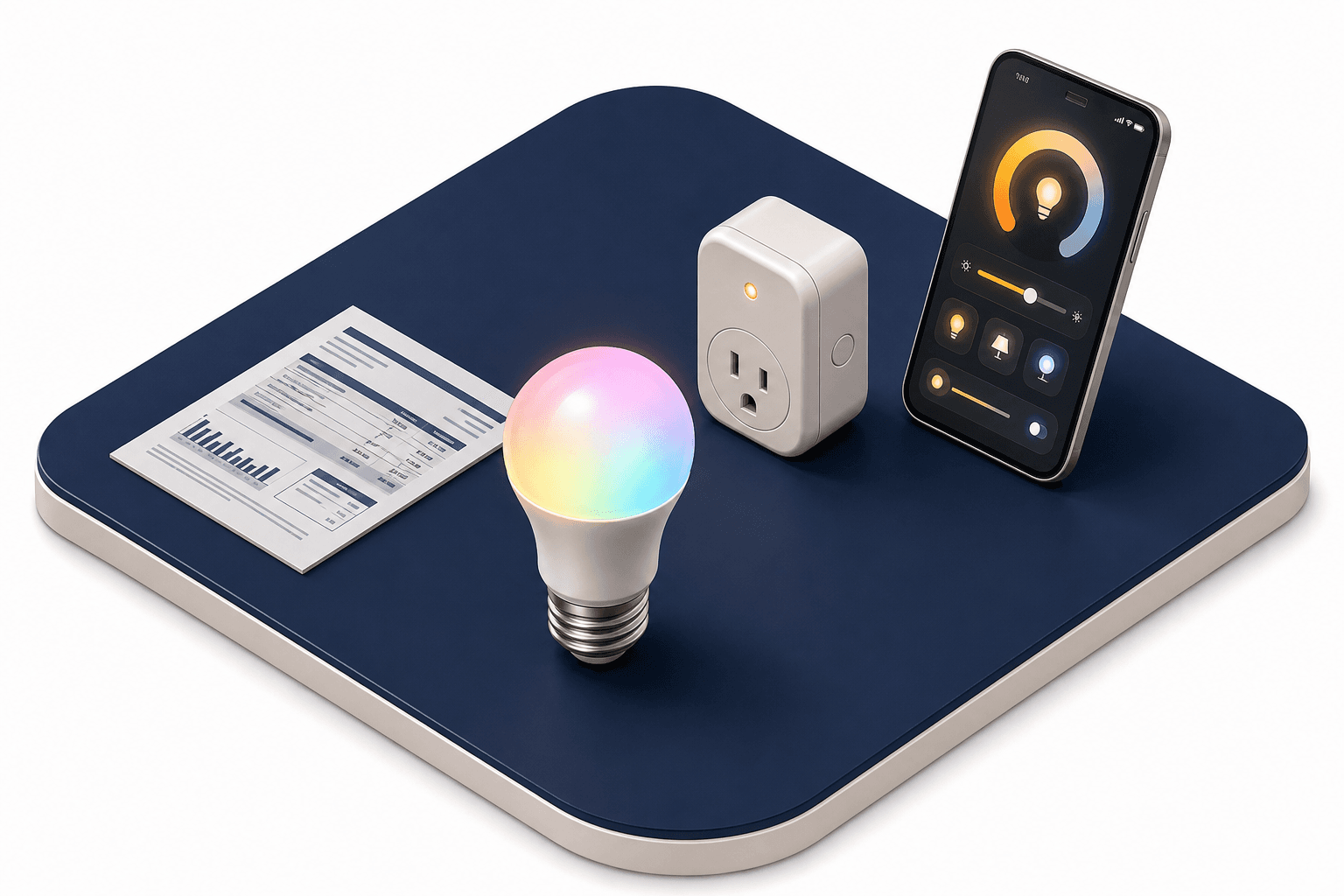
Key Takeaways
Smart LED bulbs draw a tiny trickle of electricity even when switched off in the app, so the wireless radio inside the bulb can keep listening for commands. For most households the cost works out to well under $1 per month, even across a whole home of smart bulbs.
Your smart bulb is "off", but is it still drawing power from the wall?
Why Do Smart Bulbs Use Electricity Even When They Are Off?
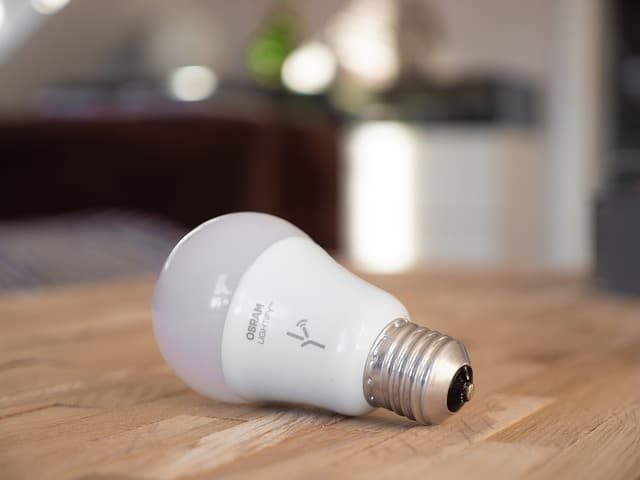
Smart bulbs respond to commands sent from your phone app, a central hub or bridge (such as the Philips Hue Bridge), or voice assistants like Amazon Alexa or Google Assistant (accessed through Google Home or Google Nest speakers).
Depending on the bulb, those commands arrive over different wireless protocols. Wi-Fi bulbs talk directly to your router. Zigbee bulbs (Philips Hue, IKEA TRÅDFRI) reach the network through a small bridge that plugs into the router. Bluetooth bulbs talk only to a nearby phone. Newer bulbs increasingly use Thread/Matter, while Z-Wave is another mesh protocol common in smart homes but rarely used for bulbs.
| Protocol | Requires Hub? | Common Bulb Brands |
|---|---|---|
| Wi-Fi | No (talks to your router) | TP-Link Kasa, Wyze, LIFX |
| Zigbee | Yes (bridge or hub) | Philips Hue, IKEA TRÅDFRI, Innr, Sengled |
| Bluetooth | No (phone-only range) | GE Cync, some Sengled |
| Thread / Matter | Yes (Thread border router) | Newer Hue, Nanoleaf |
| Z-Wave | Yes (Z-Wave hub) | Rare for bulbs; common for switches and locks |
Whatever the protocol, the radio chip inside the bulb has to stay awake to hear the next command. That is why a bulb you switched off in the app is still pulling a small amount of power from the wall — a draw sometimes called vampire power. The same chip is what lets the bulb fade up at sunrise, respond to a voice command, or run a scene without you touching anything — so the trickle is the price of every smart feature you bought the bulb for.
How Much Electricity Do Smart Lights Consume When Off?
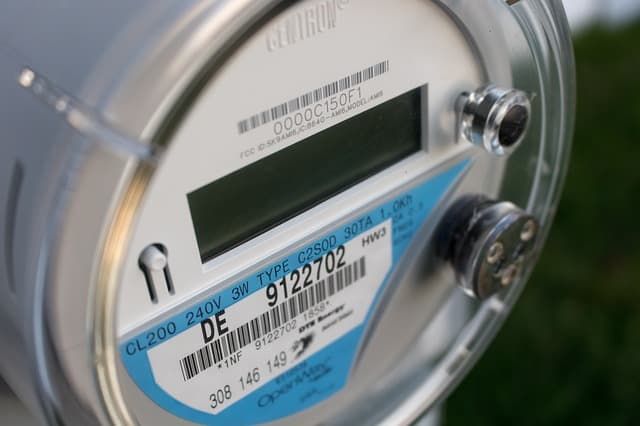
Standby draw varies by bulb and protocol. One Kill-A-Watt test of a Philips Hue bulb (How-To Geek) measured standby fluctuating between 0.0W and 0.3W, averaging about 0.15W. Philips' own spec sheet lists 0.2W. Across the wider market, you can use these rules of thumb:
- Zigbee bulbs (Hue, IKEA TRÅDFRI, Innr): 0.2–0.5W standby
- Wi-Fi bulbs: 0.5–1.5W standby
- Bluetooth-only bulbs: similar to Zigbee or slightly lower
To turn that into dollars, you need a rate. The U.S. average residential rate in 2025 was about 17¢/kWh, with the 2026 forecast around 18¢/kWh — but state rates range from roughly 12¢/kWh in Louisiana to over 40¢/kWh in Hawaii. Substitute your own rate from your utility bill if you want a more accurate picture.
| Scenario | Standby Draw | Monthly Cost @ 17¢/kWh |
|---|---|---|
| Single Zigbee bulb (e.g., Philips Hue) | 0.3W | ~3.7¢ |
| Single Wi-Fi bulb | 1.0W | ~12¢ |
| 10 Zigbee bulbs | 3W total | ~37¢ |
| 20-bulb mixed-protocol home | ~10W total | ~$1.22 |
For perspective: a 60W incandescent bulb burns through 60Wh in a single hour. A smart bulb on standby would need to sit idle for somewhere between 5 and 16 days — depending on whether it draws 0.5W or 0.15W — to match that. Even a generous full home of 20 smart bulbs uses less standby power than running a single old incandescent for two extra hours a day.
And that comparison ignores the much larger savings you get from running LEDs instead of incandescents in the first place — typically 75–80% less energy for the same brightness.
What Happens If You Flip The Wall Switch Off?
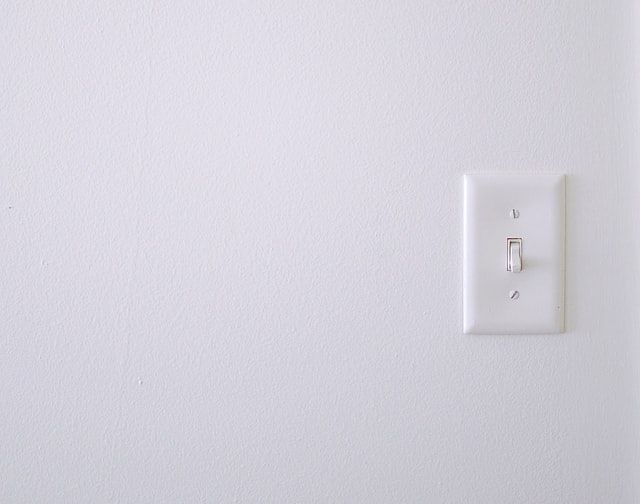
Flipping the wall switch cuts power to the bulb completely. Standby draw drops to zero — but every smart feature drops with it. The bulb cannot receive Wi-Fi or Zigbee commands, schedules and scenes will not run, and voice assistants will return an error until the switch is flipped back on. Once power returns, most smart bulbs default to their last on-state or to a configured power-on behavior.
This is the single most common point of confusion for new smart-lighting users: a smart bulb whose wall switch is off is just an unpowered bulb. If you want voice control, schedules, or app-based dimming to work reliably, leave the wall switch on at all times. Treat it like the cord behind your TV — you do not unplug your TV every night, and the same logic applies to a smart bulb.
How To Cut Standby Draw If You Still Want To
If a few cents per month still bothers you, there are ways to reduce or eliminate standby draw without throwing away the convenience of smart lighting:
- Use a smart plug with a schedule for fixtures you only need during specific hours, so the circuit is energized only when you are likely to use it.
- Install a smart switch (such as Lutron Caséta or GE/Jasco) and pair it with regular dumb LED bulbs. The switch handles scheduling and voice control, while the bulbs themselves draw nothing on standby.
- Put rarely-used bulbs in closets, garages, or basements on motion sensors so the circuit only powers up when needed.
Each option moves the standby draw to a lower-power device or eliminates it entirely. The trade-off is a more complex setup and, with smart switches, the loss of in-bulb features like color change and per-bulb dimming.
The Bottom Line
- Smart bulbs draw 0.2–1.5W on standby — pennies per bulb per month, well under $1 a month for a whole-home install.
- That trickle is what keeps the bulb responsive to app, voice, and schedule commands. Without it there are no smart features.
- Never cut power at the wall switch if you want smart features to work reliably — leave the switch on and control the bulb from the app or voice assistant.
For more on related questions, see Do Smart Bulbs Work Without WiFi?, Can Smart Bulbs Be Hacked?, and Do Smart Lights Slow Down WiFi?.