
Do Smart Bulbs Work With Touch Lamps?
A touch lamp is essentially a TRIAC dimmer with a metal body — and most smart bulb manufacturers explicitly warn against pairing their bulbs with exactly that.
 Eugen
EugenEugen Nikolajev
Creator of LED Lighting Info
Hi, I am Eugen. I was always one of those kids who had all sorts of weird lighting gadgets for every occasion.
Now, I want to share my knowledge and experience about lighting with you on LED Lighting Info.
Read my editorial standards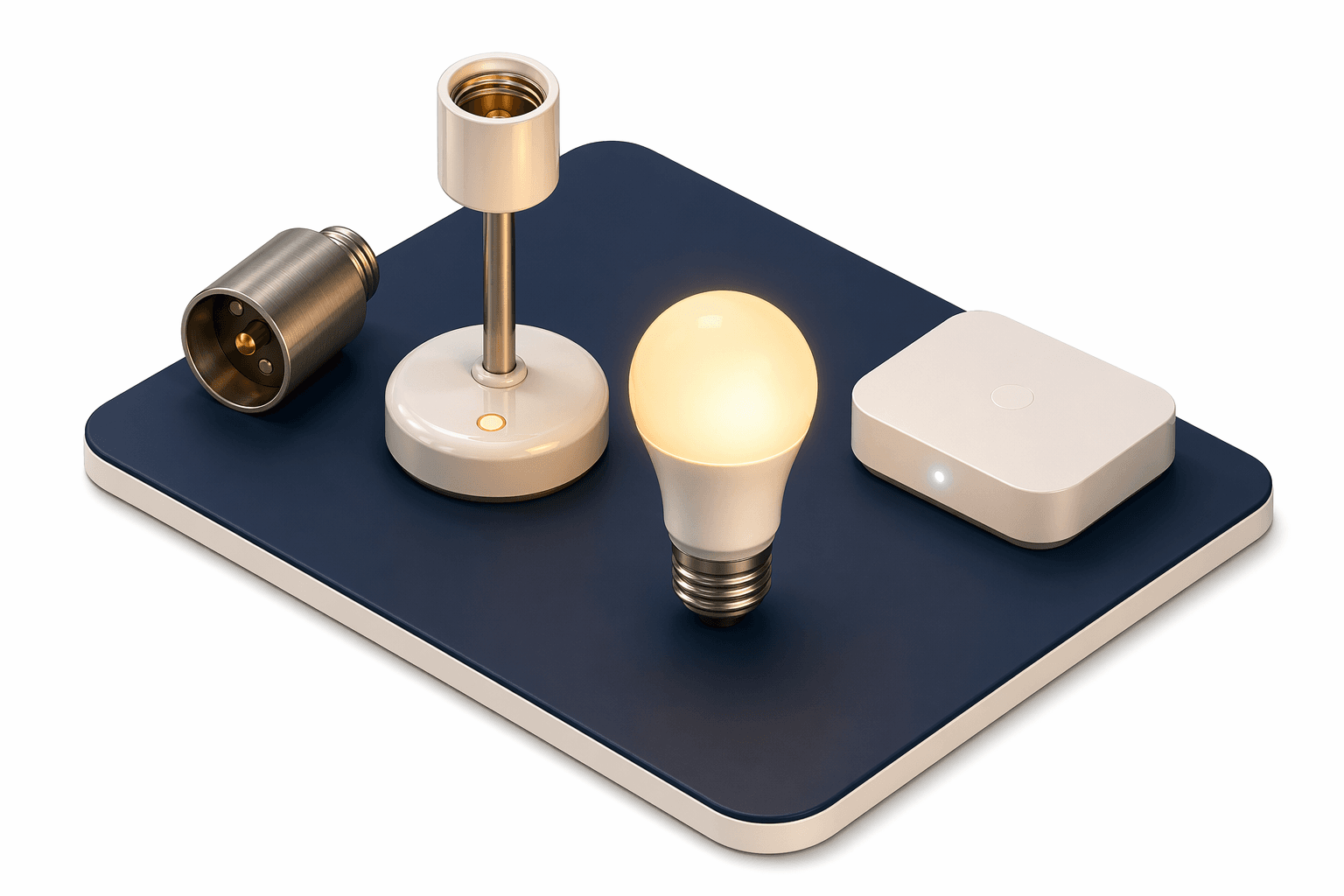
Key Takeaways
Smart bulbs do work with touch lamps, but they are usually an unnecessary spend, since the lamp already controls brightness. To use one, cycle the touch lamp to maximum brightness and leave it there, then control the bulb with the app or a voice assistant.
Touch lamps have their own built-in dimming — so what actually happens when you screw a smart bulb into one?
How Do Touch-Sensitive Lamps Work?

A basic on/off lamp has a single brightness setting — full power. (Dimmer-equipped lamps and 3-way pull-chain lamps exist too, but they use different mechanisms from a touch lamp.)
Touch lamps use capacitive sensing. Every object — including the lamp's metal body and your own body — stores some electrical charge, called capacitance. A small sensor IC inside the lamp continuously measures the lamp body's baseline capacitance. When you touch the metal, your body's capacitance couples to the lamp and increases the total reading. The sensor detects the change and triggers an internal switch (a TRIAC) that connects mains power to the bulb. No mains current actually flows through your hand — your touch is a signal, not a conductive path.
How Touch Lamps Dim the Bulb
Touch lamps dim the bulb using TRIAC phase-cut dimming. The TRIAC switches in sync with the AC mains (60 times a second in the US), and the lamp's circuit varies how much of each AC half-cycle is allowed through to the bulb. At a lower brightness level, the bulb is connected for only a fraction of each cycle, so the average power delivered drops and the bulb appears dimmer.
A typical 3-way touch lamp cycles through roughly 33%, 66%, and 100% of full power for the low, medium, and high settings, with another touch returning it to off.
How Do Smart Bulbs Work?

A smart bulb is a self-contained mini-computer in a bulb shape. The driver, the radio, and the dimming logic all live inside the bulb itself, so you screw it into a regular socket and no special switch is needed.
Smart bulbs talk to your phone app through one of several wireless protocols. Some — like LIFX or TP-Link Kasa — connect directly to your home Wi-Fi. Others — like Philips Hue or IKEA Trådfri — use Zigbee and need a small hub plugged into your router. Newer bulbs may use Thread (often through a Matter-compatible hub or HomePod) or Bluetooth. Either way, the result is the same from your perspective: the app sends commands and the bulb responds. You can also control most smart bulbs through Alexa, Google Home, or Siri.
A smart bulb needs an uninterrupted full-voltage mains supply to its driver — that's how it keeps its radio alive and listens for commands. That doesn't mean it always consumes full wattage; the bulb's internal driver dims the LED itself using high-frequency PWM. But it does mean the bulb can't tolerate the chopped-up AC waveform that a touch lamp's TRIAC produces at its lower brightness settings. That is why the wall switch (or, here, the touch lamp) needs to stay at full power.
How Smart Bulbs Dim the LED
The bulb's onboard microcontroller generates a pulse-width-modulation (PWM) signal that switches the LEDs on and off thousands of times per second. By varying the width of the on-pulses (the duty cycle), it controls how much average power reaches the LEDs and therefore how bright they appear. This is fundamentally different from the TRIAC phase-cut dimming a touch lamp uses on the AC side, which is why mixing the two causes problems.
Smart Bulb vs. Standard LED in a Touch Lamp
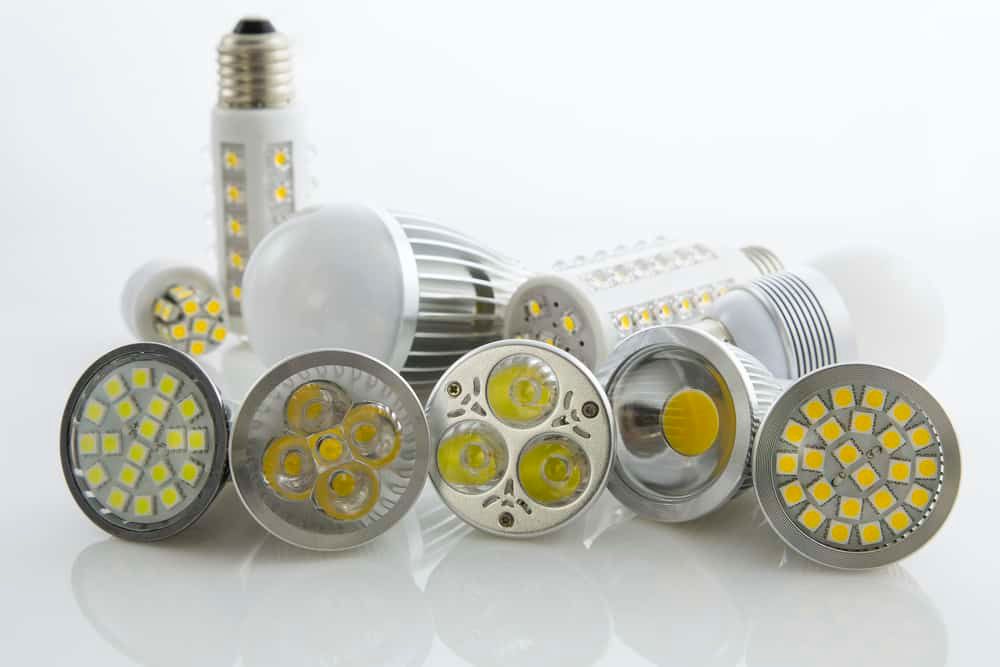
Here is a quick side-by-side of the two options for a touch lamp:
| Feature | Standard LED | Smart Bulb |
|---|---|---|
| Dimming | Built-in via touch lamp's TRIAC | Via app, using the bulb's internal PWM |
| Typical price (US) | $3–$8 | $10–$25 |
| Best for bedside / arm's-reach lamp | Yes — touch is already the fastest control | Overkill — features unused at night |
| Best for ceiling / hard-to-reach fixtures | No — no remote control | Yes — that's the whole point |
| Compatible with touch lamp's dimmer levels | Yes | No — must run at full brightness only |
In my experience, a touch lamp is one of the worst places to put a smart bulb. The lamp is already at arm's reach, and most people only use a bedside lamp for a few minutes before sleep and after waking — so the timers, schedules, and color presets that justify the higher price barely get used.
More importantly, most smart bulbs are not designed to work with external dimmers — manufacturers like Philips Hue specifically warn against pairing them with a TRIAC dimmer, because the chopped waveform can cause flicker, buzzing, or driver damage. A touch lamp is essentially a TRIAC dimmer with a metal-body trigger, so the same rule applies: keep it at full brightness or skip the smart bulb.
Save the smart bulbs for ceiling fixtures, lamps without their own dimming, and rooms you actually want to control from your phone.
How To Make a Smart Bulb Work With a Touch Lamp
If you have decided to put a smart bulb in a touch lamp anyway, here is how to do it without breaking it:
- Screw the smart bulb into the touch lamp's socket and pair it with the app as you normally would.
- Touch the lamp repeatedly to cycle through low, medium, and high until it reaches maximum brightness (full power).
- Leave the lamp at full brightness — do not touch it again.
- Control the bulb's on/off, dimming, and color settings exclusively through the app or a voice assistant.
Once at full brightness, the next touch will turn the lamp off — that's the next step in the standard low/medium/high/off cycle. Each time the touch lamp cycles or interrupts power, some smart bulbs (especially older Zigbee models) can lose their state, drop off the network, or reset to default brightness, so resist the temptation to touch the lamp.
If the Bulb Flickers or Resets
Touch lamps interact with sensitive electronics in ways that can cause unexpected behavior. If the smart bulb flickers, buzzes, or keeps dropping off the network in a touch lamp — even at full brightness — that is a known compatibility issue. Switch to a standard dimmable LED and use the touch lamp's built-in dimming instead.
Bottom Line
Use smart bulbs where you will actually use their features — frequently used fixtures and rooms you control remotely, not the lamp on your nightstand. Save those smart bulbs for frequently used lights and put a regular dimmable LED in the touch lamp.