
How To Fix LED Strip Lights That Won’t Turn On?
A dead inline controller looks identical to a dead LED strip — same symptom, completely different fix. Bypass it first and you might save yourself a strip replacement.
 Eugen
EugenEugen Nikolajev
Creator of LED Lighting Info
Hi, I am Eugen. I was always one of those kids who had all sorts of weird lighting gadgets for every occasion.
Now, I want to share my knowledge and experience about lighting with you on LED Lighting Info.
Read my editorial standards
Key Takeaways
Fixing LED strip lights depends on the issue, faulty power supplies usually need to be replaced, but issues with the lights can be fixed by adjusting connections or removing a section of faulty lights and then splicing the working sections together.
In this guide, I’ll take you through the following:
- The top reasons your LED strips aren’t turning on, and how to fix them
- Whether dim LED lights can be fixed
- How to remove a section of non-working strip lights
How To Troubleshoot LED Strips That Won’t Turn On?
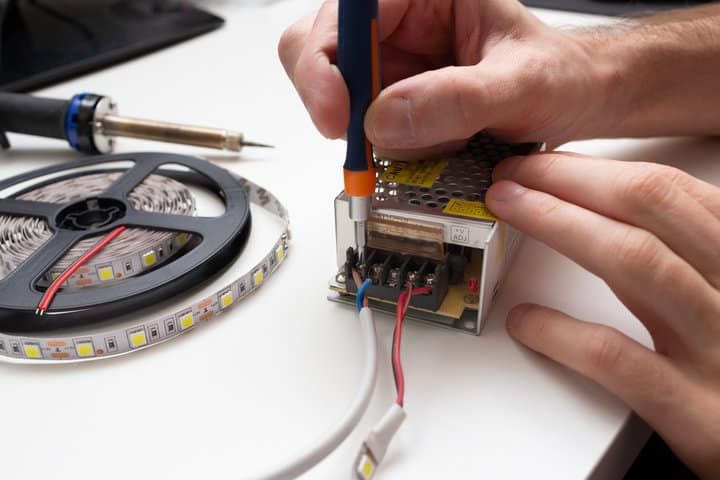
Identifying the issue with LED strip lights is often harder than fixing them. Work from the easiest checks first — remote battery, loose wires, power supply — before moving on to less obvious causes like a failed inline controller or a damaged section. The sections below are grouped by symptom, so jump to the one that matches what your strip is (or isn’t) doing.
LED Strip Refuses To Turn On At All
Power supply broken
If the entire LED strip doesn’t turn on, the power supply is usually the first suspect.
To test it, disconnect the supply from the strip and either try it with a different LED strip or use a voltmeter. Set the meter to DC volts, touch the red probe to the positive output and the black probe to the negative, and check for the rated voltage (typically 12V or 24V). Critically, measure the voltage with the strip connected (under load) — many failing drivers read the correct voltage at the bare output but sag heavily once a load is applied.
If neither test is an option, the simplest move is to buy a replacement. Residential LED strip drivers typically cost between $15 and $40 depending on wattage, so if that doesn’t solve the issue, you won’t have wasted much money.
Loose connection
Another power-related issue is the connection itself. With a DC supply that uses a built-in barrel connector, loose contacts are rare — those plug-in connectors don’t really come loose.
But if the strip is connected via solder joints or a clip-on connector, check for anything that has worked loose. If it has, re-make the connection.
Incorrect wiring
While you’re checking connections, confirm the polarity is right — positive to positive, negative to negative. This mainly applies to soldered joints and clip connectors. If you’ve connected multiple strips in a chain, it’s easy to flip one accidentally and reverse the terminals.
The good news: most LED strips have built-in reverse-polarity protection, so wiring them backwards usually just prevents them from lighting up rather than damaging the strip. Rewire correctly and try again — in the rare case the strip still doesn’t work after fixing the polarity, replace it.
Inline controller or receiver
Many LED strip setups include an inline RF or IR controller/receiver between the power supply and the strip — this is the device the remote or app actually talks to. Controllers fail more often than people expect, and a dead controller will look exactly like a dead strip.
To test it, switch off the power, then bypass the controller entirely and wire the strip directly to the power supply (matching polarity). If the strip lights up, the controller is the problem and needs replacing.
Heat damage
LED strips don’t tolerate heat well. If the strip has been installed in a poorly ventilated channel or run too long without dissipation, the LEDs or solder joints can fail.
Heat damage isn’t always obvious — look for discoloration, bubbled adhesive, or scorch marks, but minor damage can be invisible. If heat is the cause, replace the strip. For high-density (240+ LEDs/m) or high-power strips, install the replacement on an aluminum heat sink or channel so the new one doesn’t meet the same fate.
Strip Lights Only Turn On Sometimes
Loose connection
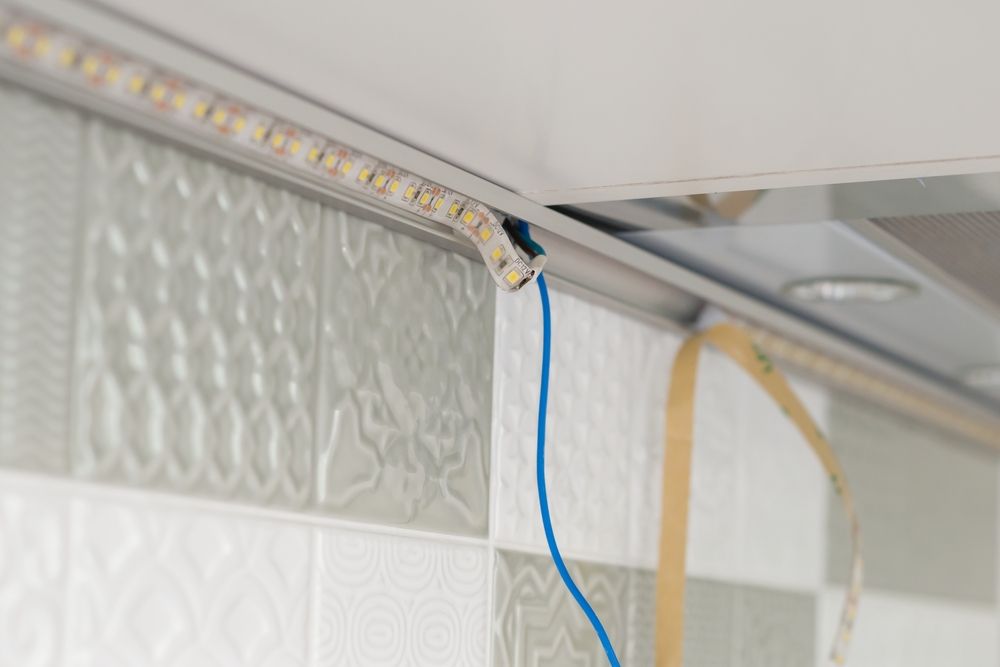
A connection doesn’t have to be fully separated to cause problems — a weak contact can hold most of the time and drop out occasionally. The fix is the same as above: inspect every solder joint and clip connector and re-make any that look suspect.
Remote battery
If you control the strip with a handheld remote, check the battery before anything else. A weakening battery can send signals intermittently before failing completely.
Slim IR remotes typically use a CR2025 or CR2032 lithium coin cell (around $1–2 to replace), while larger remotes with LCD displays or extra buttons often use AAA alkaline batteries. Check the back of the remote to confirm the type before buying.
Section Of Strip Lights Won’t Turn On
Voltage drop
If a section of your strip lights won’t turn on and it’s the section furthest from the power supply, the likely cause is voltage drop along the strip itself.
Strips have a practical run length before this becomes an issue: most 12V strips shouldn’t be daisy-chained beyond about 5 m (16 ft), and 24V strips beyond about 10 m (33 ft), without additional power feeds.
The fix is power injection — running fresh positive and negative wires directly from the power supply to the far end of the strip, so the current doesn’t have to travel the full length of the copper traces. Alternatively, split the run across two power supplies. (Technically, daisy-chained strips aren’t wired "in series" — the LEDs within each strip already share the same voltage rails — but the long copper traces accumulate enough resistance that voltage at the far end sags.)
Broken section
If a dead section is in the middle of the strip with working LEDs on either side, you’ve got a faulty segment. The fix is to cut it out and splice the working sides back together — see the step-by-step below.
RGB or RGBW strips with missing colors
If you’re working with an RGB or RGBW strip and only some colors are dead — for example, red works but green and blue don’t — the issue is often a burnt data pin on the controller or a damaged channel rather than the strip itself. Try swapping the controller before replacing the strip.
How To Fix LED Strips That Lost Their Brightness?
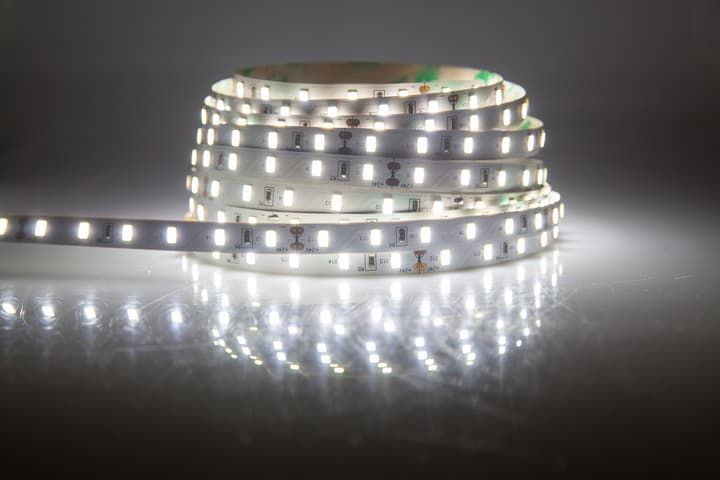
Dimming behaves predictably once you know what to test. Work through this sequence:
- If only the far end is dim: this is voltage drop along the strip. Use power injection (fresh wires from the supply to the far section) or split the run across two power supplies.
- If the whole strip is dim: test the power supply under load. Set a voltmeter to DC volts and probe the output while the strip is connected. As a rough guide, if the supply reads more than about 3% below its rated voltage under load (roughly 0.4V on a 12V strip or 0.7V on a 24V strip), it’s likely failing and worth replacing.
- If the voltage is correct but the strip is still dim: the LEDs themselves are failing, and you’ll need to replace the strip. LED brightness can’t be restored once the diodes start degrading.
Most LED strips run off 12V or 24V DC, but 5V (USB-powered and addressable strips like WS2812B) and high-voltage 120V/240V AC versions also exist. Check the rated voltage printed on your strip before testing so you know what reading to expect.
How To Fix A Section Of LED Strip That Is Not Working?
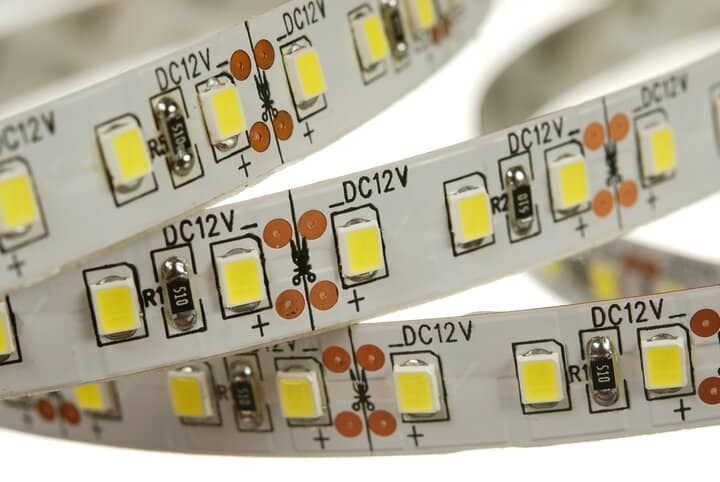
When a section in the middle of a run has failed but the LEDs on either side still work, there’s no need to replace the whole strip. Most LED strips have designated cutting points exactly for this — small marked spots along the strip where you can safely separate it without damaging the circuit.
Switch off the power, then:
- Find the cutting marks (a dashed line or scissor icon) on both sides of the faulty section.
- Cut along the marked lines only — cutting anywhere else damages the adjacent LEDs.
- Remove the faulty section.
- Connect the two working ends using a strip light connector or, if you prefer, solder them directly with a short length of wire.
- Restore power and confirm both sides light up evenly.
Final Words
LED strips fail in a fairly small number of predictable ways, and most of them are fixable without replacing the whole run. Cheap strips do fail more often, and even quality ones eventually burn out — but before I assume a strip is dead, I always work through the checks above. A loose connection, a tired remote battery, a failed inline controller, or a fading driver are far more common culprits than the LEDs themselves.