
How Often Should Light Switches Be Replaced?
Your light switch is only under real stress for the fraction of a second it takes to flick — which explains why a good toggle can last 40 years without issue.
 Eugen
EugenEugen Nikolajev
Creator of LED Lighting Info
Hi, I am Eugen. I was always one of those kids who had all sorts of weird lighting gadgets for every occasion.
Now, I want to share my knowledge and experience about lighting with you on LED Lighting Info.
Read my editorial standards
Key Takeaways
There's no recommended amount of time for replacing a light switch. They only need replacing if the switch starts to fail. Light switches typically last for 20 years or more without any problems.
The first quick-break light switch was invented by John Henry Holmes in Newcastle, England, in 1884, and the first toggle switch followed in 1916. The internal designs haven't changed much since.
A light switch is probably the most-used electrical item in your home, but despite that, they don't actually need replacing too often.
Here's what I'll cover:
- Why there's no recommended schedule for replacing light switches
- The typical lifespan of toggle and dimmer switches
- How to tell when one needs replacing
- When the wiring behind the switch is the real problem
- Upgrade options worth considering
Is There a Recommended Schedule To Replace a Light Switch?
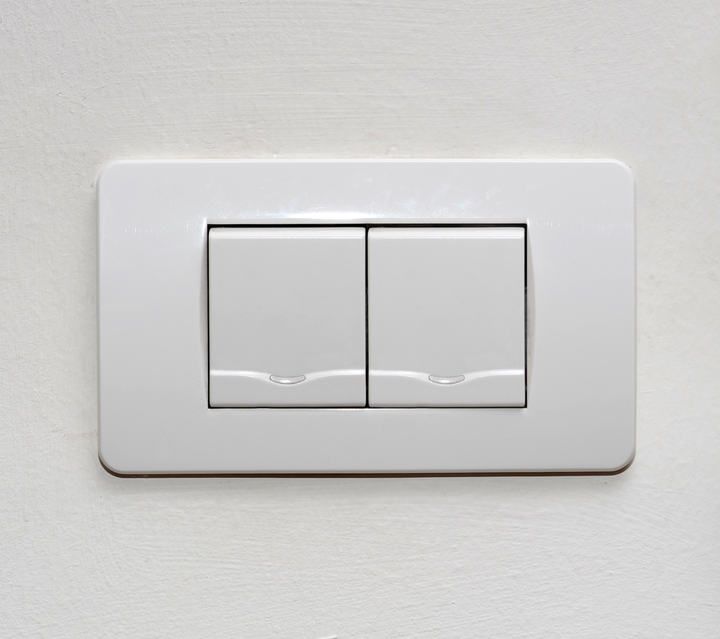
Many electrical items in your home have a recommended lifespan, so they should be replaced periodically to make sure they don't deteriorate and become unsafe.
That's not the case for light switches. As long as the switch continues to work properly, there's no fixed time frame to replace it.
In practice, many people replace a switch more for cosmetic reasons than practical ones — plastic switches change color, get scratched, or look worn from years of use, and they tend to get swapped out during redecorating long before they actually fail.
How Long Do Different Switch Types Last?
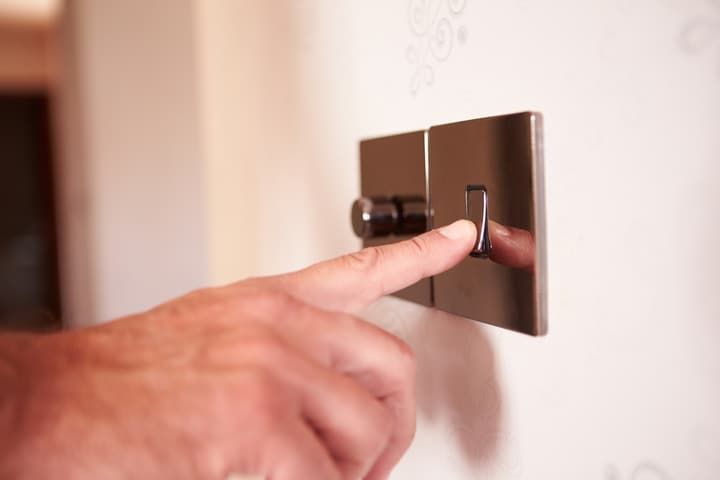
A standard toggle switch typically lasts 20 years or more. Plenty have lasted up to 40 years, and original light switches are often preserved in period properties as a design feature — though the internal components may have been quietly replaced behind the classic faceplate.
So why do light switches last so much longer than many other electrical components? It comes down to how they work.
Most electrical components do real work when on — lighting up an LED, generating heat, driving a motor. A switch doesn't. The only difference between a light switch being on or off is whether the circuit is open or closed. The internal mechanism is only under stress for the fraction of a second it takes to flick — there's no constant tension on it.
Think about how many fractions of a second the switch is actually being 'used' every day — that's why they last so long.
Toggle vs. Dimmer Switches
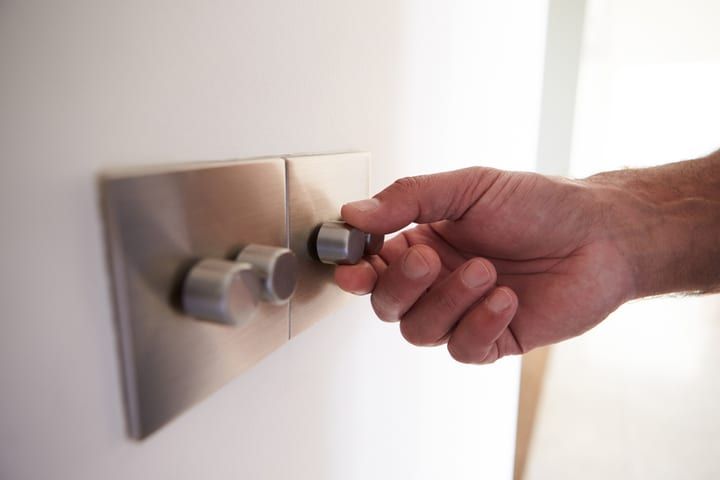
Toggle switches are the simple on/off variety. Dimmer switches are different — they regulate the current to dim or brighten the lights they control, which adds complexity and means dimmer switches run warmer than standard switches. That heat contributes to wear and tear over time.
| Feature | Toggle Switch | Dimmer Switch |
|---|---|---|
| Typical lifespan | 20–40+ years | 10–15 years |
| Runs warm under load? | No | Yes (mild warmth is normal) |
| Failure risk | Very low | Moderate |
| LED compatibility | N/A | Must verify |
| Internal complexity | Mechanical contacts only | TRIAC, snubber capacitor, MOV |
A quality dimmer switch will typically last 10–15 years, depending on usage, the load it controls, and build quality — still pretty good innings for a piece of electrical equipment.
Cheap dimmers fail much sooner. The chief culprits are the TRIAC (the semiconductor that does the actual switching) and the small protection components around it — the snubber capacitor and the metal-oxide varistor (MOV) that absorb voltage spikes. Cheap dimmers use under-rated versions of these parts, so a single surge or sustained heat can take the whole switch out.
When buying electrical equipment, stick to reputable brands and verify quality with independent reviews.
Also read: Can You Leave a Light Switch In The Middle?
How To Know It's Time To Replace The Switch
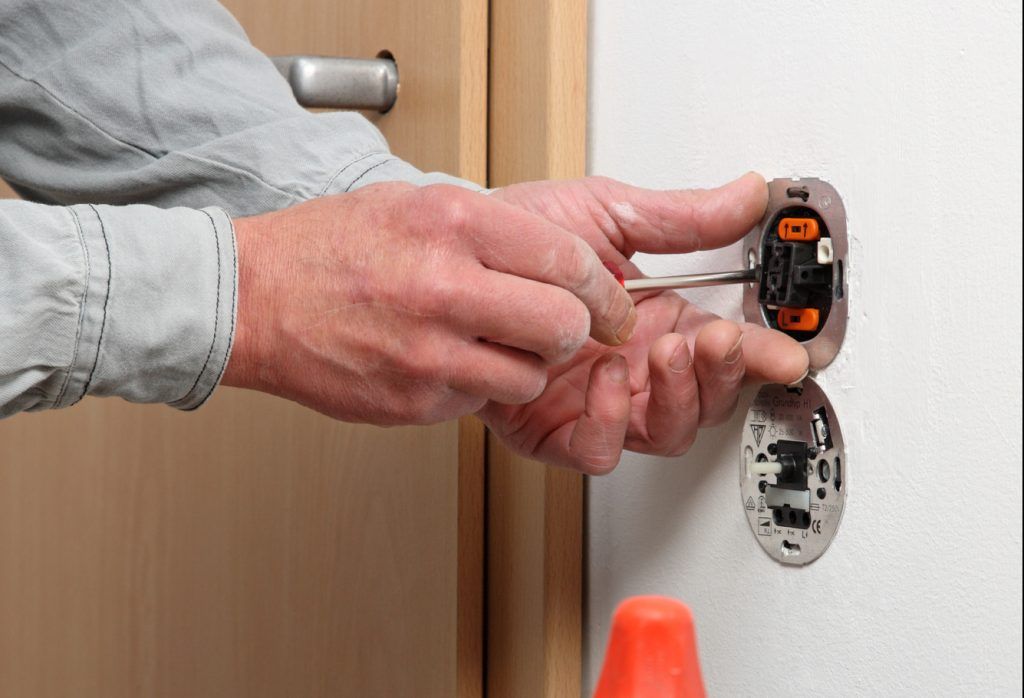
Replacing a switch should be rare, but here are the symptoms worth acting on. Each entry covers what the problem looks like, what's causing it, and how urgently to act.
Cracking — replace immediately
- Symptom: a visible crack in the plastic body or faceplate of the switch.
- Cause: impact, age-related brittleness, or heat damage from inside the switch.
- What to do: replace as soon as possible. Even a small crack exposes live electrical components — there's a real shock risk, plus the crack can let in dust and moisture or develop into arc-tracking that can start a fire.
Popping or crackling sounds — replace immediately
- Symptom: audible popping or crackling when you flip the switch on or off.
- Cause: often electricity arcing inside the switch, which is a serious fire hazard.
- What to do: switch the breaker for that circuit off and don't use the switch again until it's been replaced.
Excess heat — replace immediately if hot
- Symptom: the switch feels noticeably warm or hot to the touch.
- Cause: loose connection, overloaded circuit, or worn internal contacts. Toggle switches shouldn't feel noticeably warm under normal use. Slight warmth on a dimmer carrying a heavy load can be normal, but anything more than that — or warmth on a non-dimmer toggle — points to a problem.
- What to do: if a switch is too hot to keep your finger on, turn off the breaker and replace it. If a non-dimmer toggle is even mildly warm without a heavy load, investigate the wiring connections in the box.
Delayed reactions — replace when convenient
- Symptom: a noticeable lag between flipping the switch and the lights coming on.
- Cause: worn internal contacts.
- What to do: not immediately dangerous, but it will only get worse. Replace at your convenience.
Loose toggle or dimmer — replace when convenient
- Symptom: the toggle has lost its springy snap, or the dimmer dial spins without resistance.
- Cause: worn internal mechanism.
- What to do: not repairable. Swap the switch whenever it suits you — replacements are inexpensive.
Buzzing that gets louder — replace soon
- Symptom: a rising buzz from a dimmer (a faint, constant buzz can be normal).
- Cause: TRIAC degradation, capacitor wear, or a load mismatch (often LED bulbs on an old incandescent dimmer).
- What to do: swap the dimmer to make sure it's still safe to use, and check that the replacement is rated for the load type you're driving.
When To Call An Electrician
Replacing a light switch is legal DIY work in most jurisdictions, and a confident DIYer can swap a faulty switch in 15 minutes. But certain warning signs mean the problem isn't the switch — it's the wiring or circuit behind it.
Call a licensed electrician if you see:
- Scorch marks, melted insulation, or charred wires inside the switch box.
- A breaker that trips repeatedly after a switch replacement.
- Aluminum wiring (silver-colored solid conductors, common in homes built between roughly 1965 and 1975).
- Two-wire (no ground) cable in a circuit you want to upgrade with smart or AFCI gear.
- Any popping or arcing that recurs after the switch has been replaced.
If you're not comfortable working with mains voltage, hire a pro. A service call costs much less than a fire.
Don't Forget the Wiring Behind the Switch
The switch itself is only half the story. In older homes, the wiring behind the wall plate may have aged faster than the switch on top of it. Common red flags:
- Aluminum wiring (1960s–70s) is prone to oxidation at terminals, which can lead to overheating. Special CO/ALR-rated switches or copper pigtails with anti-oxidant compound are required.
- Knob-and-tube wiring (pre-1950s) lacks a ground and can't safely handle modern loads.
- Brittle, cracked, or discolored insulation on the conductors entering the box.
If any of these apply, replacing the switch alone may mask a much bigger problem. Get the circuit assessed before treating a worn switch as the root cause.
Upgrade Options
Even if your switches are working fine, there are a few upgrades worth considering during a renovation.
Add a dimmer
A toggle-to-dimmer swap is the most common upgrade. Just make sure that if you have LED bulbs, both the bulbs are rated as dimmable and the dimmer is rated for LED loads. Older dimmers designed for incandescent bulbs often cause flickering or buzzing with LEDs even when the bulbs are dimmable, because they were built to handle the much higher wattage of incandescent loads.
AFCI and GFCI protection
Arc-fault circuit interrupter (AFCI) and ground-fault circuit interrupter (GFCI) devices add active protection against the failure modes that cause shocks and fires. The 2020 NEC significantly expanded AFCI requirements for new construction in the US, and they're worth considering during any renovation — particularly in bedrooms, kitchens, and bathrooms.
Smart switches
Smart switches (Wi-Fi, Z-Wave, or Zigbee) let you control lighting from a phone, voice assistant, or schedule. A few things to check before buying:
- Most smart switches need a neutral wire in the switch box. Many older homes don't have one.
- Z-Wave and Zigbee require a hub. Wi-Fi switches don't, but each one adds load to your home network.
- 3-way and 4-way circuits need switches specifically rated for that wiring — single-pole smart switches won't work.
If you'd rather skip rewiring, a wireless light switch or one with a motion sensor can be added without touching the existing box.
Final Words
Light switches are some of the most reliable hardware in your home — but reliable doesn't mean immortal. My rule of thumb: run through the warning signs every few years, and replace any switch that's cracked, hot, arcing, or losing its mechanical snap before it becomes a hazard.