
Why Are My LED Strip Lights Different Colors? Color Diagnostic Quiz
A dead red channel on your RGB strip doesn't go dark — it turns cyan, because blue and green keep mixing without it. That pattern pinpoints every channel failure fast.
 Eugen
EugenEugen Nikolajev
Creator of LED Lighting Info
Hi, I am Eugen. I was always one of those kids who had all sorts of weird lighting gadgets for every occasion.
Now, I want to share my knowledge and experience about lighting with you on LED Lighting Info.
Read my editorial standards
Key Takeaways
LED strip lights can lose their color temperature or vibrancy due to overheating, damage to the strip, or poor manufacturing. Mismatched colors along the length usually point to voltage drop, a failing power supply, a dead channel in an RGB/RGBW strip, or color binning differences between batches.
LED Strip Color Problem Diagnostic
Answer a few questions about your discolored or off-color LED strip, and find the most likely cause and how to fix it.
6 questions — takes about a minute
Answers are anonymous and may be used to improve content.
After months of use, LED strip lights can turn yellow, fade unevenly, or display mismatched colors across their length. Here's why it happens and how to fix it.
In this guide, we'll cover:
- The four main causes of discolored LED strip lights
- Why white LED lights turn yellow over time
- Why half (or part) of your LEDs show a different color
- Single-channel failure on RGB and RGBW strips
- Color binning and batch mismatch between rolls
- How to fix LED strips showing the wrong colors
- Troubleshooting Govee strip lights specifically
Four Main Causes Of Discolored LED Light Strips
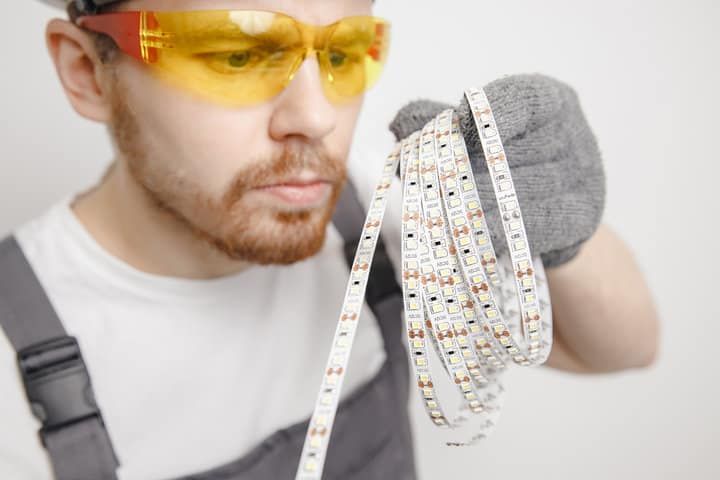
The four main causes of discolored LED strips are:
- Overheating (due to poor ventilation or a mismatched power supply)
- Bad-quality LED strips that fail quickly
- A faulty or undersized power supply
- Paint covering the diodes
Let's explore each of them in depth.
LED Strips Are Overheating
LED light strips — and LEDs in general — don't like heat. Overheating strips have a short lifespan, can be a fire risk, and the thermal damage shows up as color shift and dimming.
Good ventilation and conductive heat-sinking are both needed. Some manufacturers include thermally-conductive adhesive tape with ceramic particles that wick heat away from the PCB, but the single biggest upgrade you can make is an aluminum channel. These act as heat sinks and pull heat away from the diodes through conduction, which is far more effective than relying on airflow alone.
If you're serious about making your LED strip setup last, installing aluminum channels will prevent overheating and help your LEDs last a long time.
Mounting surface matters too. Wood is insulating and holds heat in, which is exactly the wrong thing for a strip on its back. Metallic or ceramic surfaces dissipate heat much better. Also avoid mounting strips next to stoves, TVs, or game consoles, where ambient temperatures are already elevated — the strip ends up running hot even before its own heat is added to the picture.
Poor Quality LED Strips
LED strips are cheap to mass-produce, and low-end manufacturers skimp on phosphor quality, copper trace thickness, and encapsulant. Cheap strips often start shifting color within months, no matter how carefully you install them. Stick to recognized brands if you want a strip that holds its color temperature over time.
Failing Or Mismatched Power Supply
The supply's voltage must match the strip's voltage exactly — a 12V strip needs a 12V supply and a 24V strip needs a 24V supply. Mismatching voltage will either leave the strip dim and unstable (too low) or instantly burn out the LEDs (too high).
The supply's amperage or wattage rating, on the other hand, should meet or exceed what the strip draws. A higher-wattage supply at the correct voltage is perfectly safe — the strip only pulls the current it needs. In fact, most manufacturers recommend sizing the supply about 20% above the strip's load so it isn't running at maximum capacity.
Paint On The Diodes
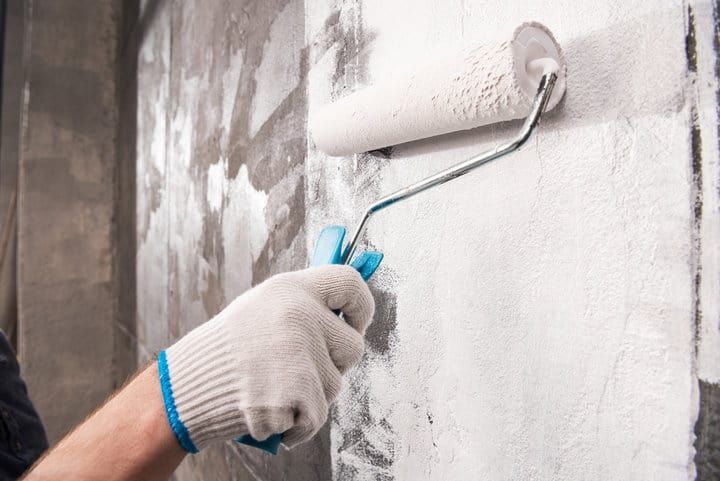
An uncommon but real cause: you may have accidentally gotten paint over your LEDs. This happens most often when strips are installed before a paint job and not masked off.
Even a tiny speck of paint on a diode will filter the light passing through it, making that LED look dull, tinted, or a completely different color than the rest. Mask your strips before painting, and gently clean any existing paint off with a solvent-safe remover.
Paint on the conductive pads or solder joints is a separate concern — wet paint can bridge connections, and once it cures it's hard to remove without damaging the strip. In rare cases this can affect strip behavior, cause flicker, or stop a section from working.
Why Do LED Strip Lights Turn Yellow
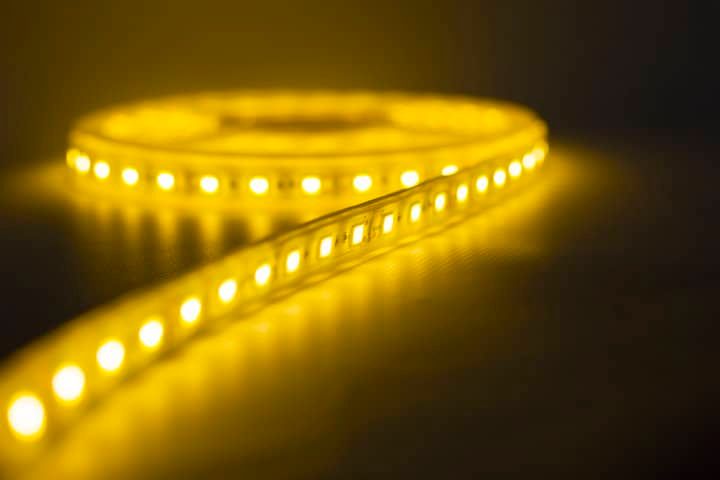
Yellowing happens for two main reasons: the LED's encapsulant degrades, or voltage drop and overheating damage the LEDs closest to the power supply.
Encapsulant Degradation
Every LED has a clear encapsulant over the die — usually epoxy on older or cheaper parts, and silicone on modern quality SMDs. Encapsulants yellow under three stressors: UV and short-wavelength light (photochemical degradation), high junction temperature (thermal degradation), and moisture/oxidation.
The older 5mm through-hole epoxy LED packages are most prone to yellowing, and they'll eventually go brown. Modern surface-mount LEDs encapsulated in silicone or glass hold up much better — but yellowing accelerates with heat and UV exposure, so running strips hot or in direct sunlight can eventually yellow even silicone-encapsulated SMD LEDs.
Voltage Drop And Series-Chained Strips
It's smarter to wire LED strips in parallel rather than chaining them end-to-end. When strips are chained in series, the entire current for every downstream strip has to flow through the copper traces of the first strip, and resistance in those thin traces causes a gradual voltage drop along the run.
That's why LEDs closest to the power supply can overheat and yellow, while LEDs farther along get dim and shift color. Wiring in parallel gives each strip its own run back to the supply at the full rated voltage, avoiding both problems.
24V strips also suffer far less voltage drop than 12V strips over long runs, so if you're planning an installation longer than about 10 meters, a 24V strip with parallel wiring is the better choice.
If you're running multiple strips, make sure they're wired in parallel or fed with a supply sized for the total load — don't just daisy-chain strip after strip.
Why Are Half Of My LED Lights A Different Color
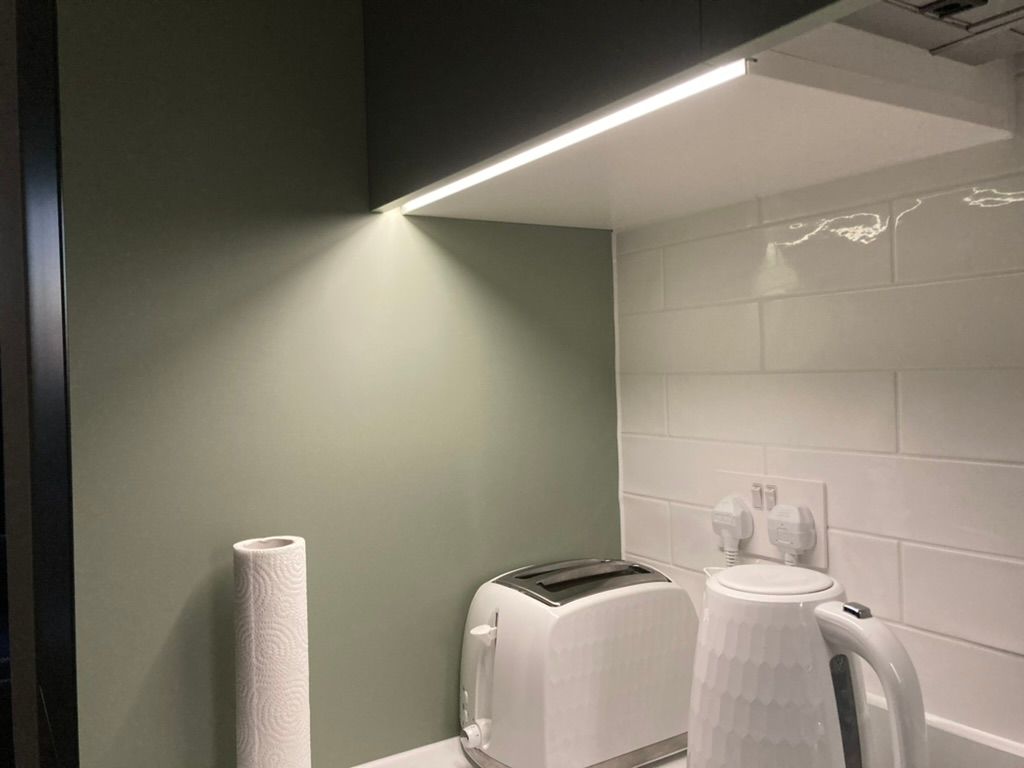
If part of your strip is showing the wrong color, the pattern of failure tells you the cause. Match your symptoms to one of the three scenarios below.
Random Color Shifts Across The Strip — Overheating
If the off-color LEDs are scattered randomly across the run, the strip is overheating. The fix isn't "cooler air" — LED strips lose heat mainly through conduction, not convection. Install an aluminum channel so the PCB has somewhere to dump heat, and avoid mounting on insulating materials like bare wood.
Colors Fade Farther From The Supply — Voltage Drop
If the LEDs that are off-color are the ones farthest from the power supply, you've got voltage drop. The fix is to rewire in parallel, inject power at both ends of the strip, or feed long runs from multiple supplies. Switching to a 24V strip can also help over long distances.
One Section Dead Or Wrong — Broken Chip
If most of the strip is fine but one section isn't, you likely have a damaged chip or broken connection in the strip. One damaged LED can break the circuit and take out an entire section downstream of it. This is often caused by earlier overheating.
You can look for the damaged or dim diode that's broken the circuit. Replacing an individual SMD LED on a strip is an advanced repair — it requires a fine-tip soldering iron (or a hot-air rework station), flux, and a matching replacement chip. For most people, the practical fix is to cut out the bad section along the marked cut-lines and rejoin the working halves with a solderless connector or a short length of wire.
Single-Channel Failure On RGB And RGBW Strips
If you're running an RGB or RGBW strip and it refuses to display certain colors correctly — say, the strip looks cyan when you set it to white, or magenta when you set it to red — you're looking at a dead channel rather than a dead strip.
RGB strips have three independent channels (red, green, blue) that mix to produce every color. If one channel fails, the other two keep working but the mix is wrong. A dead red channel looks cyan. A dead blue channel looks yellow. A dead green channel looks magenta. RGBW strips add a dedicated white channel, which can fail separately from the RGB trio.
To isolate the problem, use the remote or app to set each channel to 100% individually — pure red, then pure green, then pure blue. The channel that stays dark is the failing one. Next, swap the controller to a known-good one if you have a spare. If the same channel still fails, the issue is in the strip (a blown channel MOSFET, a damaged trace, or a bad solder joint). If the failure follows the controller, the controller is the problem and is the cheaper thing to replace.
Color Binning — When Two Rolls Don't Match
If you bought multiple rolls of "the same" strip and one roll looks noticeably warmer or cooler than the other, it's probably color binning — not a defect.
LED manufacturers sort finished chips into bins based on measured color temperature, because no two chips come off the line perfectly identical. A "4000K" strip is really 4000K ± some tolerance, and different production batches can land in different bins. The result: two rolls labeled 4000K from the same brand, bought months apart, can show a visible tint difference when installed side by side.
No troubleshooting will fix this — the strips are functioning as built. To avoid it, buy all your strip from a single batch (ask the seller for matching reel numbers on large installations), or choose a manufacturer that sells "tight-binned" strip with a MacAdam step rating of 3 or lower.
How To Fix LED Lights When Colors Are Wrong
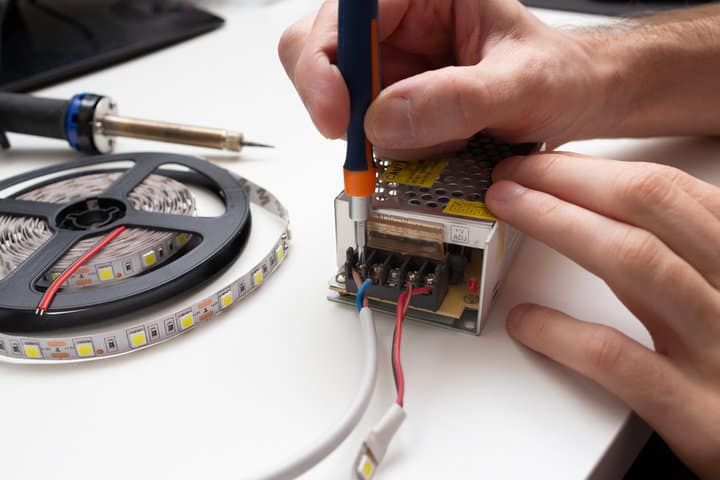
Match your symptom to the fix:
| Problem | Fix |
|---|---|
| Colors fade farther from the power supply | Rewire strips in parallel, or inject power at both ends of the run. For runs over ~10m, switch to 24V strip. |
| A section shows wrong colors or is dead | Cut out the damaged section along the marked cut-lines and rejoin the working halves with a solderless connector. |
| Whole strip or scattered LEDs overheating | Install an aluminum channel as a heat sink. Avoid mounting on bare wood or next to heat sources. |
| One color channel dead on RGB/RGBW | Test each channel individually. Swap the controller first — it's the cheaper component to replace. |
| Two rolls don't match in tint | Color binning. Buy matching batches or choose tight-binned strip (MacAdam step 3 or lower). |
| Strip looks yellowed overall after long use | Encapsulant degradation. Replace the strip and mount the replacement in a channel to reduce heat-accelerated yellowing. |
When the LED lights are overheating, install a heat sink channel. If you need to remove a broken section, cut along the marked lines and reconnect the working sections with a solderless connector.
Troubleshooting Govee LED Strip Lights
Govee strips often behave as if the strip itself is faulty when the real issue is the controller or the pairing with the app. Before assuming the strip is broken, try these in order:
- Replace the battery in the remote.
- Restart your phone and reconnect in the Govee app.
- Unplug the strip for 10 seconds, then power it back up.
- Factory-reset the strip.
On most Govee strips with a 3-button remote and an inline controller, the reset sequence is: hold the power button while pressing the middle (color-mode) button four times. The LED indicator should blink rapidly to confirm the reset.
Reset procedures vary by model — RGBIC, TV backlight (H6168), and outdoor lines each have their own sequence, and some require an app-based reset or a 5-second press on a specific button. Check your strip's manual or the Govee app if the standard sequence doesn't work.
Final Words
Color problems on LED strips almost always come down to one of six causes: overheating, voltage drop, encapsulant degradation, a dead channel on an RGB/RGBW strip, color-binning mismatch between rolls, or a broken chip. Match your symptom to the cause first, then apply the fix — the solution is usually obvious once you've identified the pattern.
If you're planning a new install, check out our complete guide to LED strip lights for everything you need to know before you buy.